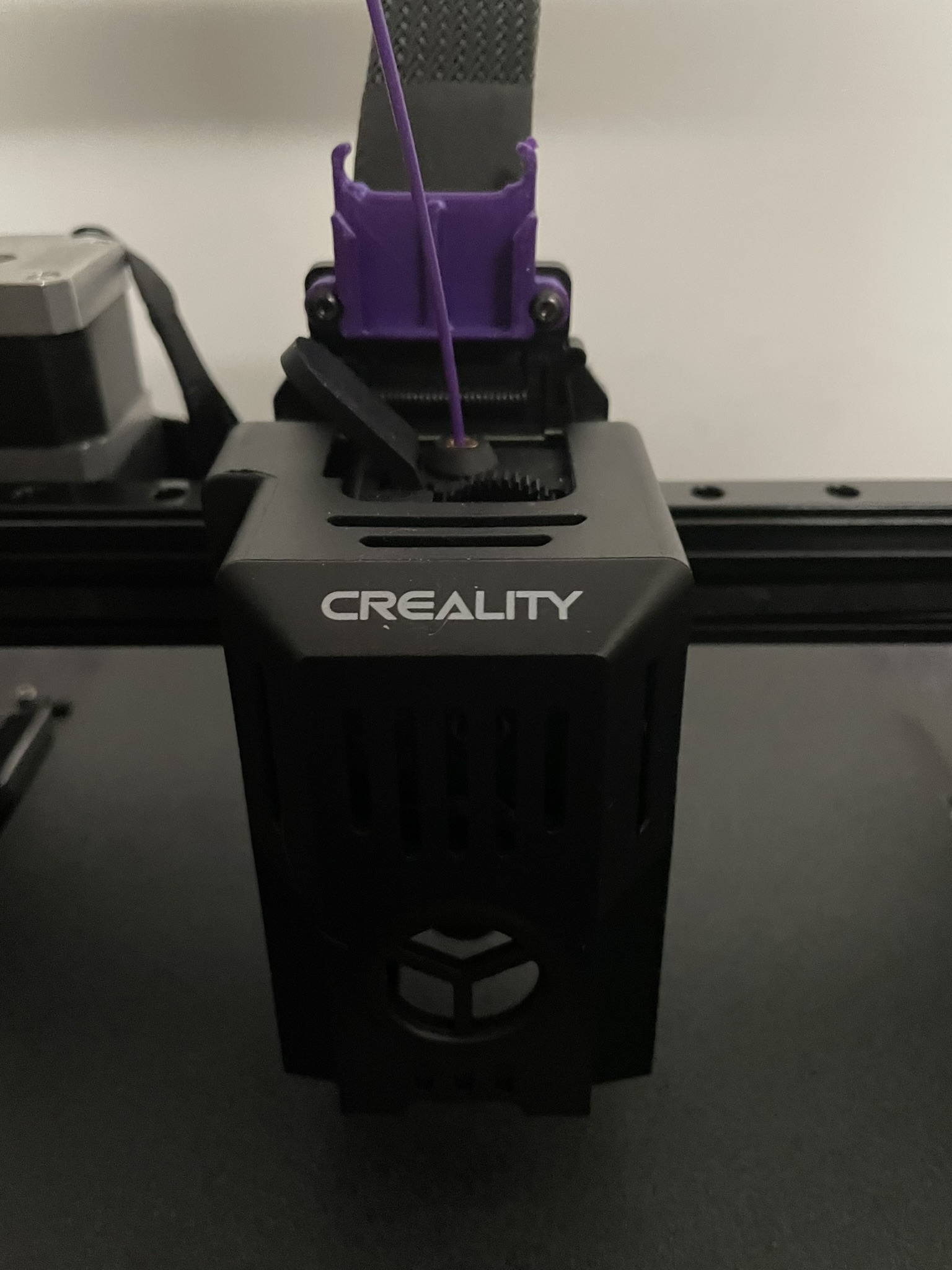
ADXL345 alternate Y-axis & PCB mount Ender 3 v3 SE/KE
by WMVos · via Printables
| Format | STL |
| Category | Art |
| License | CC BY-NC-SA |
| Triangles | 5.3k |
| Uploaded | Jan 9, 2024 |
⬇ 447 downloads
❤ 96 likes
👁 6.0k views
Description
I didn't have any screws lying around for the printhead mount so I moved it to a place where I could reuse the screws. Also changed the ADXL clasp so that it can accommodate a bare ADXL345 board with soldered on pin headers. I printed both in PLA 0.2mm layer height and without supports. ADXL345 These boards can be directly attached and used for input shaping using the bottom USB-C port with the following pinout: ADXL345 USB-C VCCVCCGNDGNDD-SDAD+SDOCCSCLSBUCS The port is symmetrical so using just the A or the B side or both will work! Note: Before you start chopping up one of your USB-C cables, most charging cables work with only 4 or 5 cores. If you don't want to sacrifice a Thunderbolt cable it's best to use a breakout board along with a piece of network cable.
Originally published on Printables





