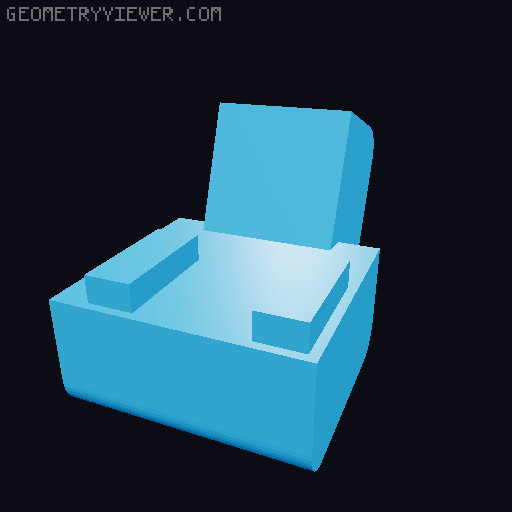
AnkerMake M5 5015 Fan Duct with Endoscope Holder
by therealmacjeezy · via Printables
| Format | STL |
| Category | Art |
| License | CC BY-NC-SA |
| Triangles | 778 |
| Uploaded | Mar 31, 2023 |
⬇ 49 downloads
❤ 14 likes
👁 1.3k views
Description
AnkerMake M5 5015 Fan Duct with Endoscope Holder This fan duct is a remix of the AnkerMake M5 5015 Fan Duct and Extruder Case ( https://www.printables.com/model/357945-ankermake-m5-5015-fan-duct-and-extruder-case ). Besides the printed parts, you'll need the following items: 1 - 24v 2015 Blower Fan 2 - m3x12 Screws (Attaches the fan duct to the extruder) 2 - m3x20 Screws with Nuts (Attaches the 5015 fan to the fan duct) 1 - 5.5mm Endoscope (I went with this one: https://a.co/d/h5sM2kk ) When installing the 24v 5015 blower fan use the right side extruder fan plug that was left open after removing the stock fans. --- Parts List To make printing easier, I broke this project up into 3 parts: Scope Holder v1.stl Fan Duct v1.stl Cable Holder v1.stl I included the .gcode for each part to give an estimate on the time and material needed to print this. Please make sure you slice your own files! --- Print Settings Everything was printed with 0.2mm Layer Height , 15% Infill at 250mm/s . You will need supports. I used organic supports with on the baseplate only selected and it printed fine. If you're using prusaslicer and want to use organic (aka.. tree) supports, you'll need to use the 2.6 Alpha (or newer) build. v2.6 Download: https://github.com/prusa3d/PrusaSlicer/releases/tag/version_2.6.0-alpha6 I recommend using PETG for the Fan Duct v1.stl due to it being around the hot nozzle. For the Cable Holder v1.stl and Scope Holder v1.stl either PETG or PLA should work just fine. --- Instructions Print all three parts Snap the Scope Holder v1.stl onto the back of the Fan Duct v1.stl near the bottom. Screw the Fan Duct v1.stl onto the extruder using the two m3x12 Screws and make sure the fan ducts are even on both sides and not going past the nozzle. Screw the 5015 Blower Fan to the Fan Duct v1.stl using the two m3x20 Screws and Nuts. Put the endoscope through the hole of the Cable Holder v1.stl Slide the endoscope into the Scope Holder v1.stl Note: I recommend doing this part with the camera connected to a computer so you'll able to see it and make any adjustments right then and there. Adjust the Cable Holder v1.stl so it's inline with the far left slot on the back of the Fan Duct v1.stl and snap it into place. Note: The Cable Holder v1.stl should stay in place as is.. however, if it ends up being a little loose or comes off, a little bit of superglue will keep it in place.
Originally published on Printables





