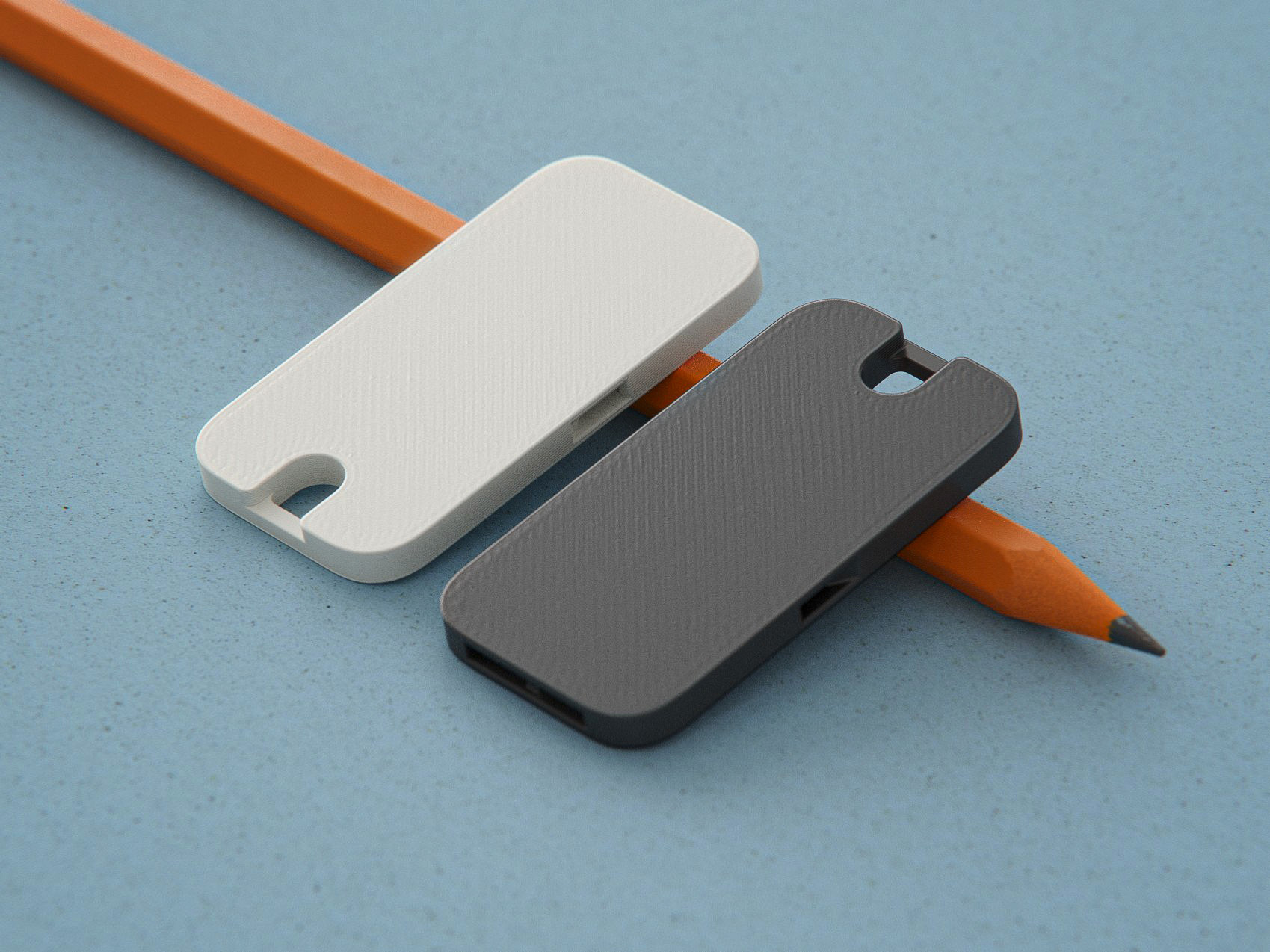
Aqara T1 Door/Window sensor slim housing
by Rainerlan_2 · via Thingiverse
| Format | STL |
| Category | Home |
| License | CC BY-SA |
| Uploaded | Mar 11, 2026 |
⬇ 15 downloads
❤ 2 likes
👁 47 views
Description
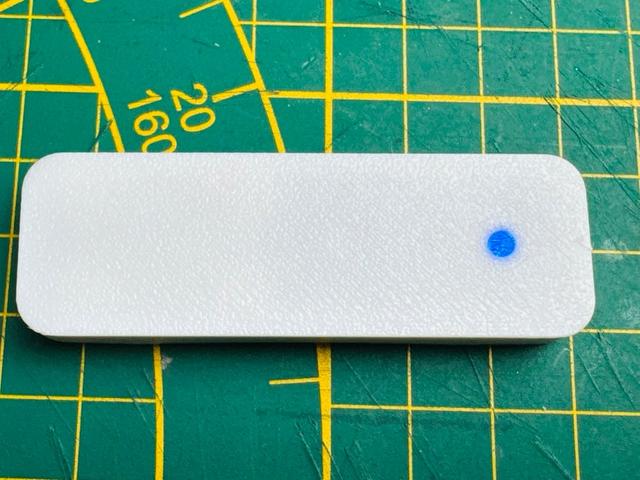
Some windows offer less space than others between frame and sash. To some windows the original housing of the T1 fit well (about 12mm height) - For others I designed a more slim housing, which is close the the height of window fittings (like mushrom cam locks). The housing has a height (in CAD) of 8mm - Maybe sligthy more when printed out (8.2mm). There are few parts needed for assembly: Stranded wire 0.14 mm² (26 AWG), black (or other): length 26 mm Stranded wire 0.14 mm² (26 AWG), red (or other): length 36 mm Solder tab (5 × 0.2 mm): length 40 mm Acrylic round rod, 3 mm diameter: length 3.5 mm CR1632 battery holder - like eg. this one: https://de.aliexpress.com/item/1005005988949951.html?spm=a2g0o.order_list.order_list_main.28.3f7b5c5fvfdCHZ&gatewayAdapt=glo2deu Overall dimensions (L × W × H): 67.3 × 8 × 22 mm Check the images for assembly. Assembly notes: Open the stock sensor housing and lift out the sensor's PCB (including battery & holder) Next, unsolder the metal sheet battery holder (+) from the sensor Continue with soldering the solder tab and wires to the sensor BEFORE assembly of the enclosure When attaching the "black"/negative connection between sensor & battery holder, the two parts ideally almost touch each other. That simplifies mounting inside the base (too long cables will interfere with assembly inside the enclosure). I found a 26mm cable length ideal. As the LED-hole is a tight fit - use a 3mm drill before pushing in the acrylic rod piece (3.5mm length) If the stock bush button does not move (when pushing) after assembly, you may need to remove a little material from the cover or base (when printing with 0.4mm nozzle on my K1, this was not needed) Final notes: Open the Aqara sensor at your own risk. If you break it, I'm not accountable Currently the base & cover are snapping pretty tightly - So to change the battery, very likely you need to remove the assmbly/housing from the window. (I usually use tesa powerstrips to glue them on the window-frame - so they can be removed quite easily)
Originally published on Thingiverse