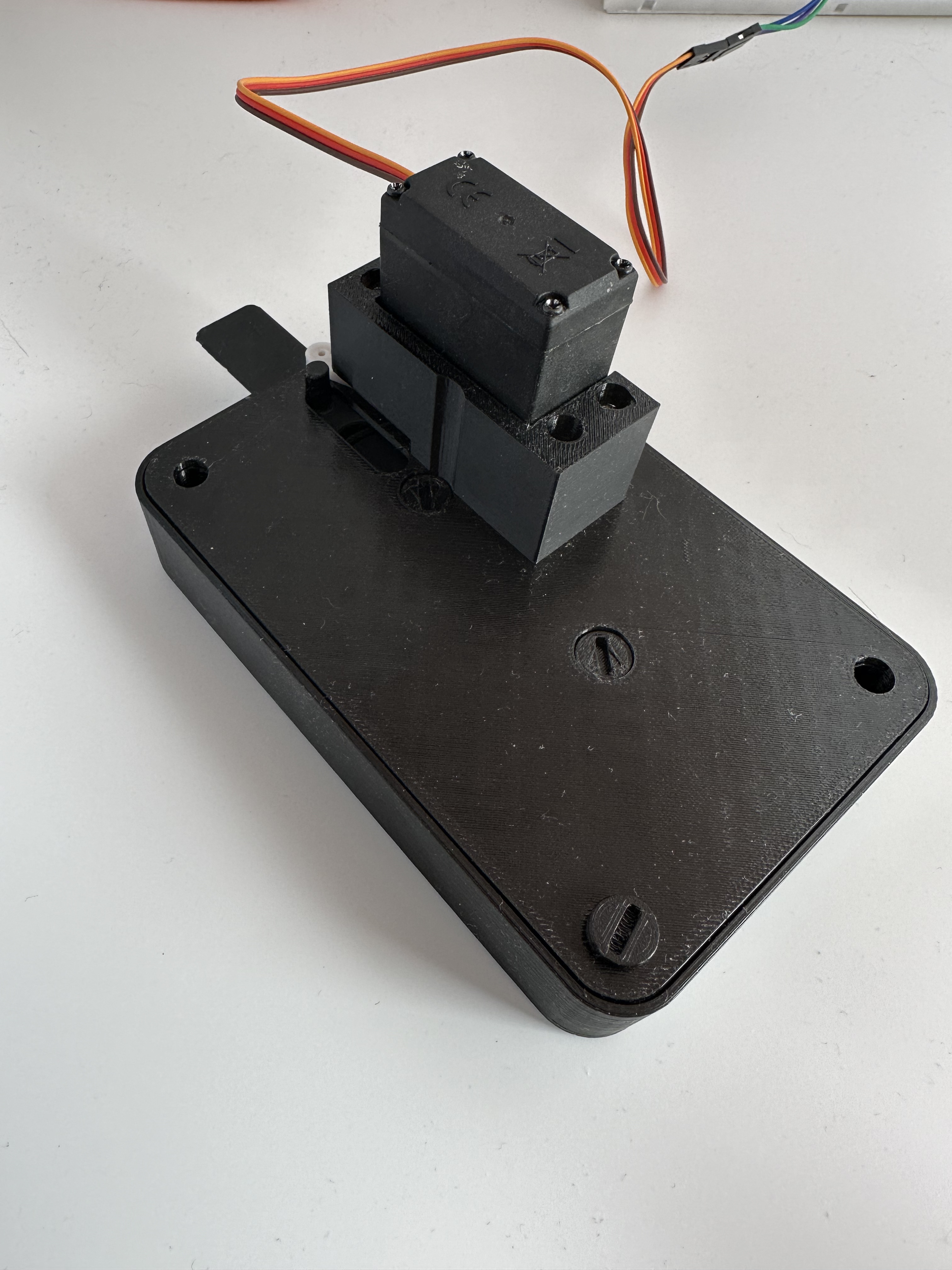
Automated 7 Segment mechanical counter
by Bastien · via Printables
| Format | STL |
| Category | Mechanical |
| License | CC BY-NC-SA |
| Uploaded | Jul 2, 2024 |
⬇ 102 downloads
❤ 24 likes
👁 1.5k views
Description
Components Standard pieces You will need to print the standard part of the 7 Segment Mechanical Counter . You also can use tigh tolerences part from my previous remix . Custom pieces You need the backplate and the push action from this model. Tips: Print the push action on it's side with tupport to have smooth surfaces. Servo This model is optimized for a mg995 servo Servo horn I've used this horn for the servo. Microcontroller The code that follow is for an ESP32 but you are free to use what you want. Code I've based the servo control from this video . First version, going through all the number // Import ESP32Servo library, don't forget to install it. https://madhephaestus.github.io/ESP32Servo/annotated.html #include <ESP32Servo.h> // Initiate the variables Servo myServo; int count = 0; int wantedCount = 0; // Setup servo and serial communication void setup() { myServo.attach(13); Serial.begin(115200); } void loop() { nextDigit(); } // Function making the servo go down, then go up void nextDigit() { myServo.write(100); delay(500); myServo.write(170); delay(500); } Second version, select a specific number to go to // Import ESP32Servo library, don't forget to install it. https://madhephaestus.github.io/ESP32Servo/annotated.html #include <ESP32Servo.h> // Initiate the variables Servo myServo; int count = 0; int wantedCount = 0; // Setup servo and serial communication void setup() { myServo.attach(13); Serial.begin(115200); } void loop() { // Read the integer value from serial input, make sure to input a number between 0 and 9 if (Serial.available() > 0) { wantedCount = Serial.parseInt(); } // Move the servo until the count matches the wantedCount while (count != wantedCount) { // Trigger the servo nextDigit(); count++; // Loop back to 0 when hiting 10 if (count == 10) { count = 0; } Serial.println("wanted: " + String(wantedCount)); Serial.println("current: " + String(count)); } } // Function making the servo go down, then go up void nextDigit() { myServo.write(100); delay(500); myServo.write(170); delay(500); }
Originally published on Printables



