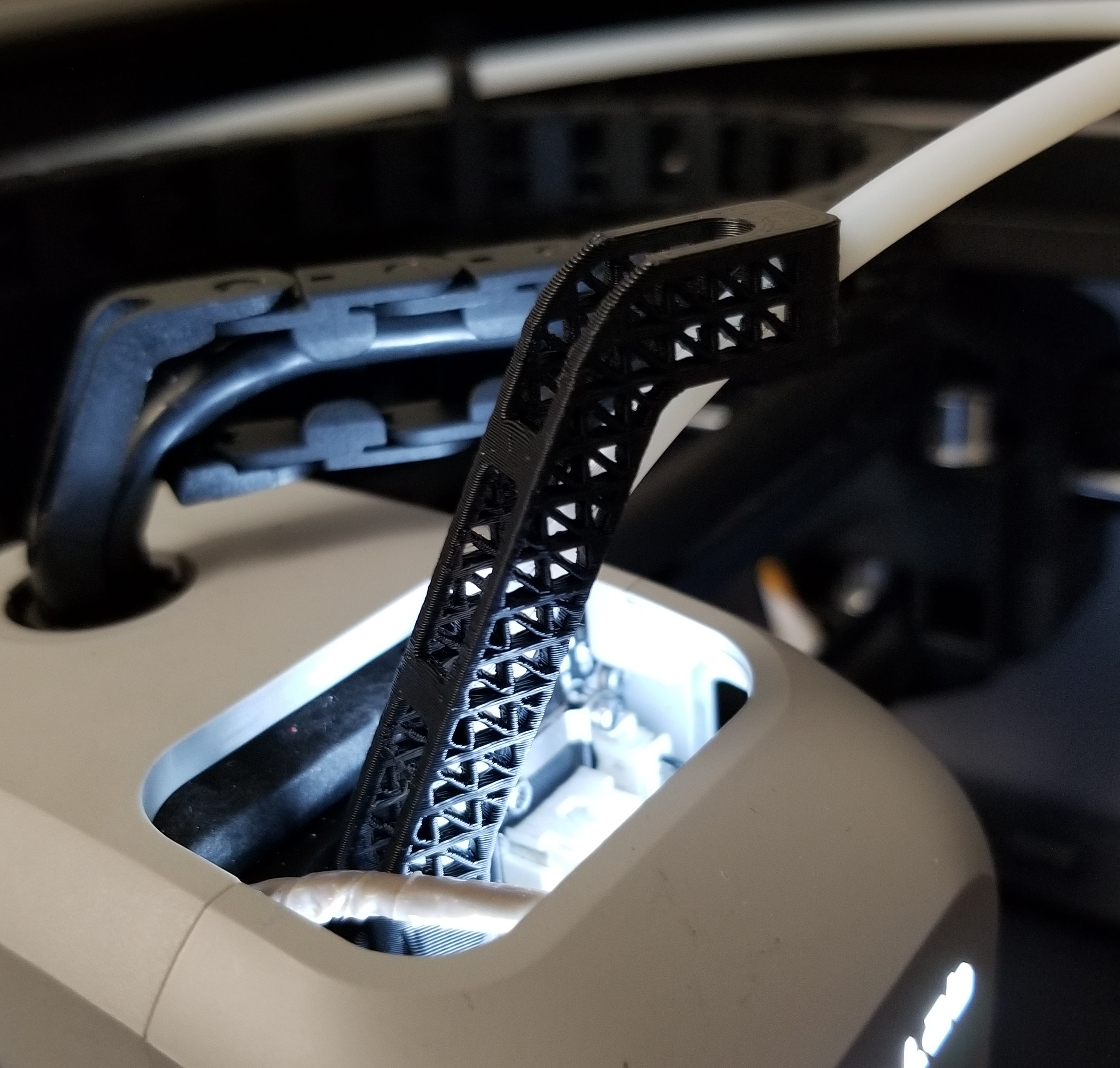
Bambu X1 PTFE Extruder Bracket AMS Error Fix - Remix
by klarriv · via Printables
| Format | STL |
| Category | Art |
| License | CC BY-NC |
| Triangles | 10.4k |
| Uploaded | Sep 7, 2023 |
⬇ 435 downloads
❤ 70 likes
👁 3.1k views
Description
I printed the original design from OurAngryBadger but as soon as I tried to flex it a bit, it snapped at the middle hole from stress concentration. I therefore decided to redesign the cutouts using small triangles. The result is a really interesting part visually that is more robust and about 10% lighter (in ABS) The following instructions are pulled from the original design Printing settings: Print in PETG, ABS, ASA, Poly, or Nylon. PLA will not survive. Print at 0.16mm layer height with 0.4mm nozzle. Print with a large brim around the base - I recommend 15mm brim. No supports are needed with most materials. How to install: Straighten PTFE tube (bend) by hand to be very straight (according to Bambu). Slide PTFE tube through hole in bracket. Insert PTFE tube into extruder to lock in place. Slide the straightener down the PTFE tube and onto the coupler inside the extruder. Press it down onto the coupler inside the extruder to lock into place. If properly installed it should swivel around, and look like the photos. Even though the geometry is more complex than the original I was able to print it first try without any issues. The .ipt file is available for modification, it is not my best work, but any thinkerer will be able to use it. Let me know if you need any other format.
Originally published on Printables





