Bicycle chain wear indicator
by xopn · via Printables
| Format | STL |
| Category | Tools |
| License | Public Domain (CC0) |
| Triangles | 648 |
| Uploaded | Jan 6, 2023 |
⬇ 1.9k downloads
❤ 350 likes
👁 7.0k views
Description
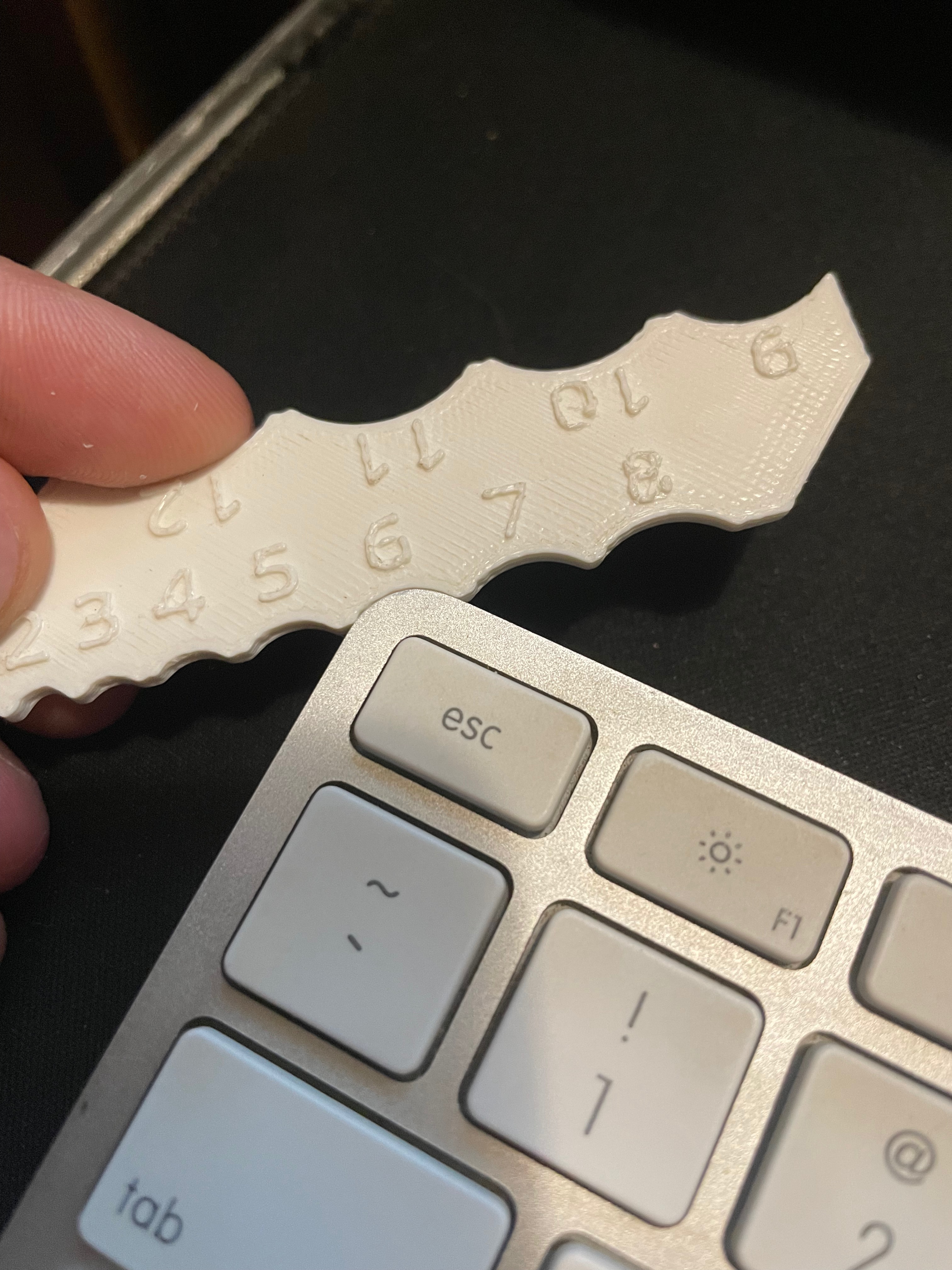
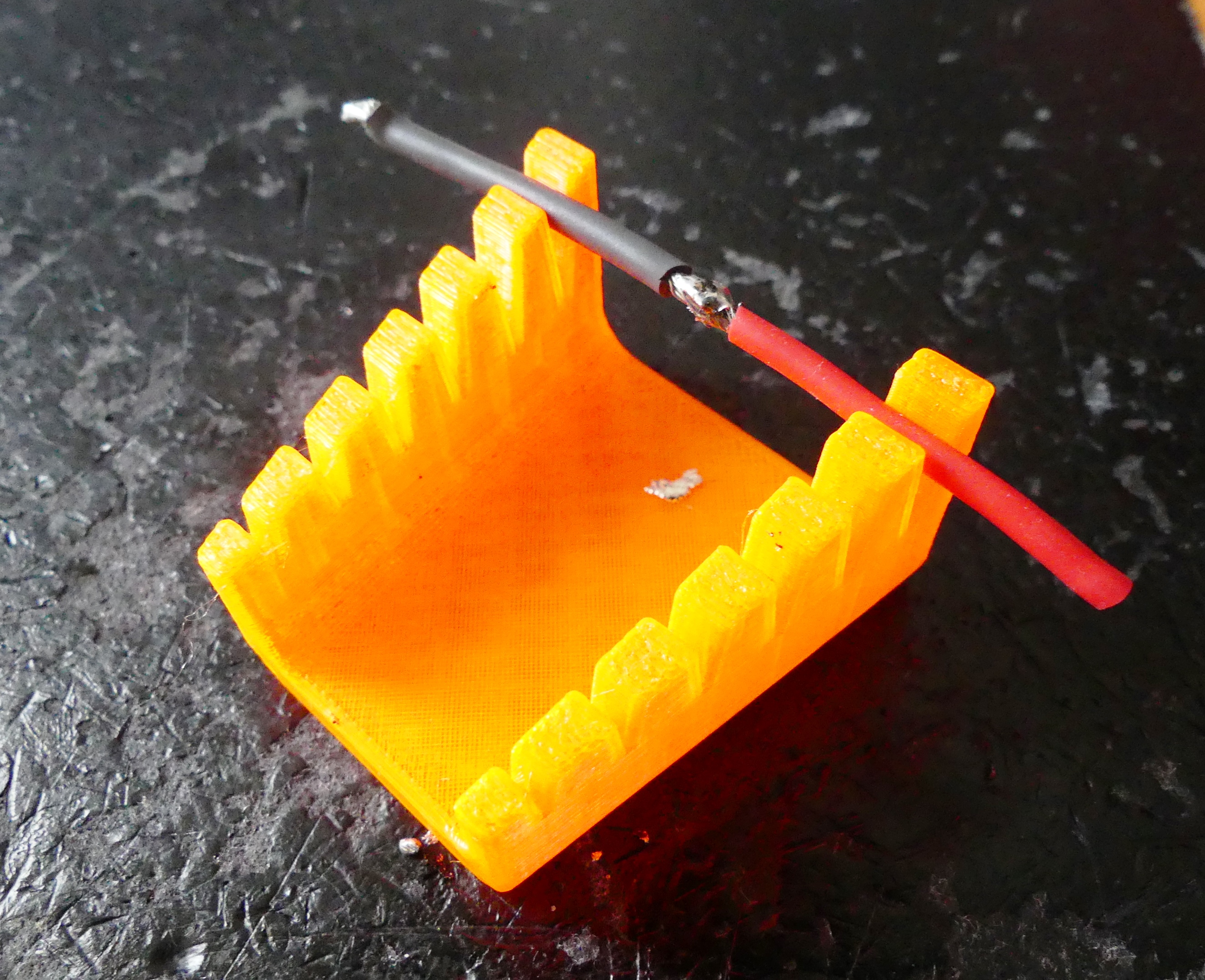
A bicycle chain gets longer, when it is worn. This tool helps detecting when is stretched by 0.5% and 1% respectively. Those are two key points to detect when a chain needs changing. 0% is the stretch of a new chain obviously Below 0.5% a chain does not need to be changed Above 0.5% a chain should be changed. If it is used afterwards it will damage the sprockets. At 1% the sprockets definitely need to be changed with the chain as the chain has damaged them. A new chain on old sprockets would slip. Above 1% you run into high risk of a snapping chain. The front sprockets might be damaged too Details and background information on BikeGremlin. I got most of the design theory from there. How to use The chain needs to be under tension to get correct meassures. As long as the chain is installed on a bicycle, this is a given. Option 1 Insert the clip on the left side between two segments of the chain and give it a push to the right. The clamp helps with that, but make sure you can't push the tool further right. Then let the tooth on the right sink into the chain. You can give it a little push, so the roller on the chain link gives way. But don't use force and make sure the tool does not warp. 📷 Image redacted — claim this model to add your own media If the tool does not insert into the chain, chain wear is below 0.5%. The chain is fine and does not need to be replaced. 📷 Image redacted — claim this model to add your own media If the tool inserts into the chain, but does not lay flat on the chain, the chain wear is between 0.5% and 1%. The chain should be replaced. 📷 Image redacted — claim this model to add your own media If the tool inserts into the chain and lays flat on the chain, chain wear is above 1%, the chain needs to be replaced immediately to avoid slip. Your sprockets will be damaged too. 📷 Image redacted — claim this model to add your own media Option 2 If you print the tool including the scale, you can use it and meassure the distance between the links. 📷 Image redacted — claim this model to add your own media Hints for printing Use a stiff fillament, like PLA Let the tool cool off completely before removing it from the print bed It might warp a bit if it is too warm. The version with the scale printed on the tool uses a 0.15mm nozzle and has additional recommendations: Add a color change for the text layer See this video , how it is done . print the text layer very slowly I used 2mm/s. This can be done with the Height range modifier . clean the nozzle after fillament change consider adding a full height skirt or a small cube next to the tool, so the nozzle is clean and the filament is flowing before printing the text layer Validating the print You can validate the size of your print by meassuring the distance as seen in the sketch below with a caliper. It should not be off by more than 0.2% (about 0.3mm) or the tool might give a wrong indication. 📷 Image redacted — claim this model to add your own media When installing a brand new chain, you can also verify the tool by checking that it does not insert into the chain.
Originally published on Printables