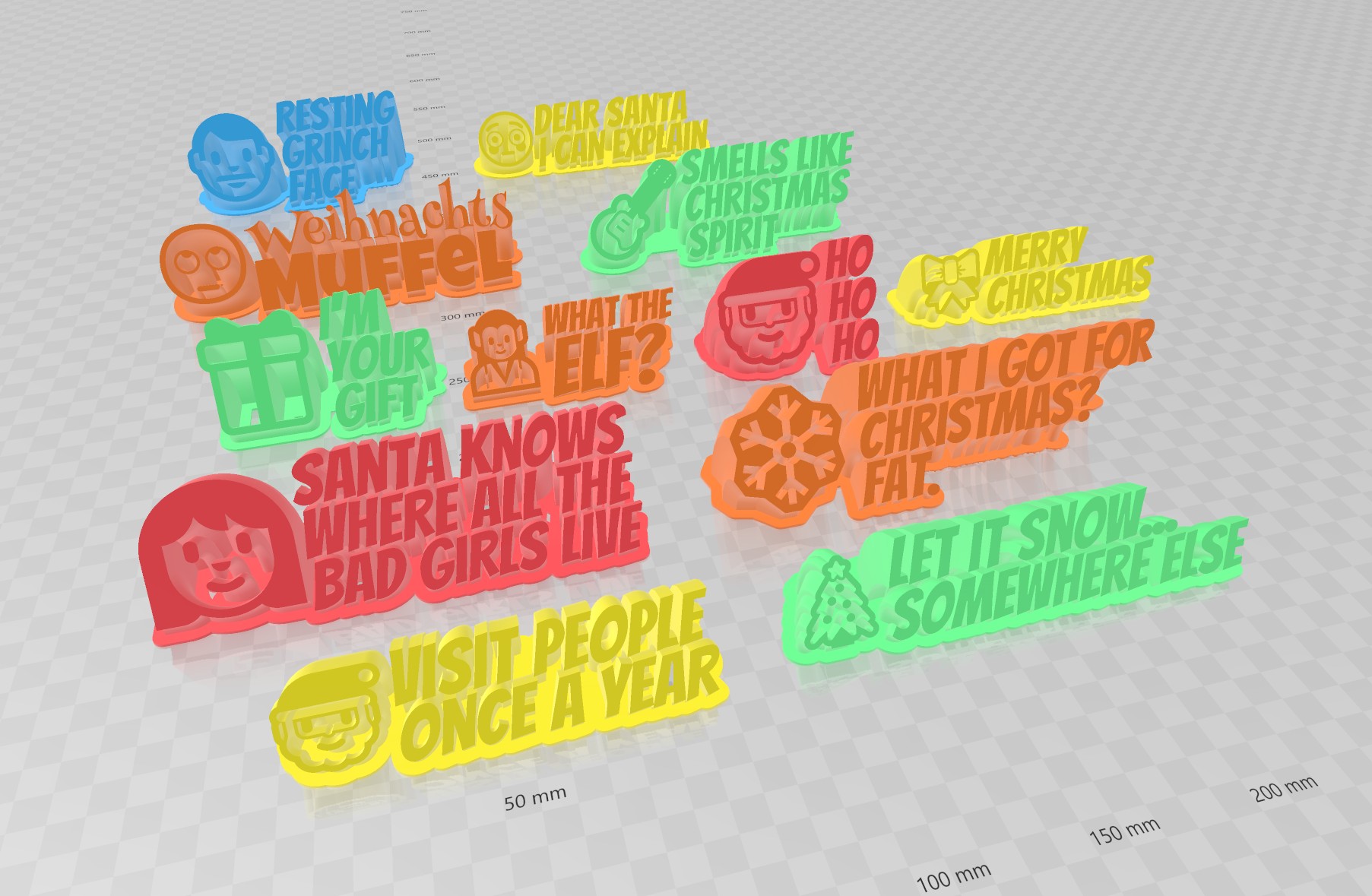
Christmas sayings
by Makkuro · via Printables
| Format | STL |
| Category | Art |
| License | CC BY-NC-SA |
| Uploaded | Dec 27, 2022 |
⬇ 123 downloads
❤ 29 likes
👁 829 views
Description
Several different christmas desktop ornaments, sweeping around in a circle. :-) You can customize it to show your name or text. To do that, please install OpenSCAD on your own computer and follow the customizing instructions below or follow these in depth instructions . There are more configurable-text-based creations available, like multi-line label , gadget display stand , bunting banner , customizable text box III , pyramid text , name plate , Customizable text box with lid and round text . Have also a look at my configurable pack of dogs , rabbits , reindeers and santas . There are also useful coat hangers and finger toys . Or just check out all my creations . Printing You can print it without any support, as long as you leave the cut-angle below 90 degrees. Standard settings will be fine, like infill of 20%, layer height of .2mm, 2 perimeters, 4 solid layers on top/bottom. Customizing instructions Download latest version of OpenSCAD, (See section "Development snapshots" at ( https://www.openscad.org/downloads.html ) ) Download the .SCAD file from here. Open the .scad file in OpenSCAD. Change the variables to your liking: In the OpenSCAD "View" menu, the option called [Hide customizer] must be unselected to display the customizer. Alternatively, change variables in the code: You find the variables in the beginning of the .SCAD file. E.g. text=" your text "; For fonts: Set the fontname (and ensure you have that font installed on your system): fontname="Bangers"; Press "F5" to get a quick preview. Press "F6" when you like the preview. This will render the geometry and takes a little time. Press "F7" to save the geometry to an .STL file. Slice and print the .STL file. Some Fixes if you have issues with OpenSCAD: 1) Your font of choice is not found by OpenSCAD on your PC. In case you miss some fonts in OpenSCAD, download them from google: http://www.google.com/fonts e.g. for "Bangers" here: https://fonts.google.com/specimen/Bangers Install all the fonts you want to use. Then restart OpenSCAD. 2) OpenSCAD won't pick up newly installed fonts in C:/Windows/Fonts. In case new fonts are missing, put the font TTF files also in C:\Program Files/OpenSCAD/fonts/Liberation-2.00.1/ttf and restart OpenSCAD again. Alternatively, put them in C:\Program Files/OpenSCAD/fonts/Lib
Originally published on Printables





