Clamp Mount for the Nebula Camera on the Ender 3 V3 CoreXZ
by vidsky · via Printables
| Format | STL |
| Category | Art |
| License | CC BY-NC-SA |
| Triangles | 5.0k |
| Uploaded | Apr 27, 2024 |
⬇ 298 downloads
❤ 29 likes
👁 1.9k views
Description
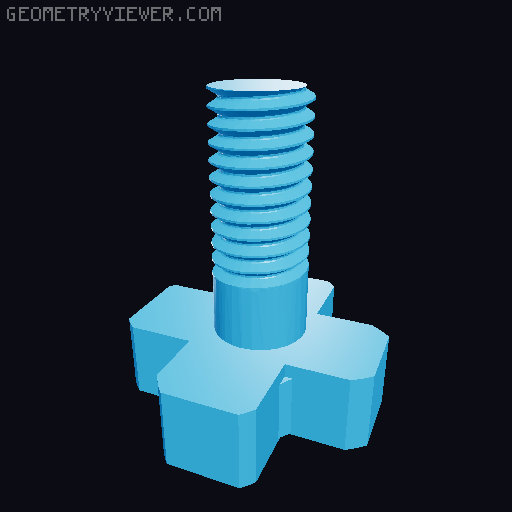
I couldn't find a good camera mount for the Ender 3 V3 Core XZ that attaches to the frame of the printer (while some say they fit every ender 3 series models, they probably never tested it on the CoreXZ). This is possibly due to the limited space on the frame, with only one corner (2 sides) and the rails on the back of the frame instead of accessible in the front. I found liked the style of KE mount by @Aristante74_1481269 and adapted it for the Core XZ. It's slimmed down to make it lighter, use less filament and also limit any video obscurement from the camera platform itself. It clamps down onto the printer frame and has little hooks to secure it onto the edges of the each frame wall. The shorter screw is for the camera and the long screw is to connect the two parts of the clamp. I would recommend screwing in the screws first directly to the camera and the base clamp (the part with the mount), respectively, without attaching any other part. Depending on the tuning of the printer (mine is just on the default settings), the first time it can be tough to screw in (I'm relatively new to printing and modeling, so maybe you know that already with printed screws in general), but I promise they fit! No supports needed. Printed with PLA and the nozzle at a temp of 220 F. Again, default settings. 0.4mm nozzle.
Originally published on Printables





