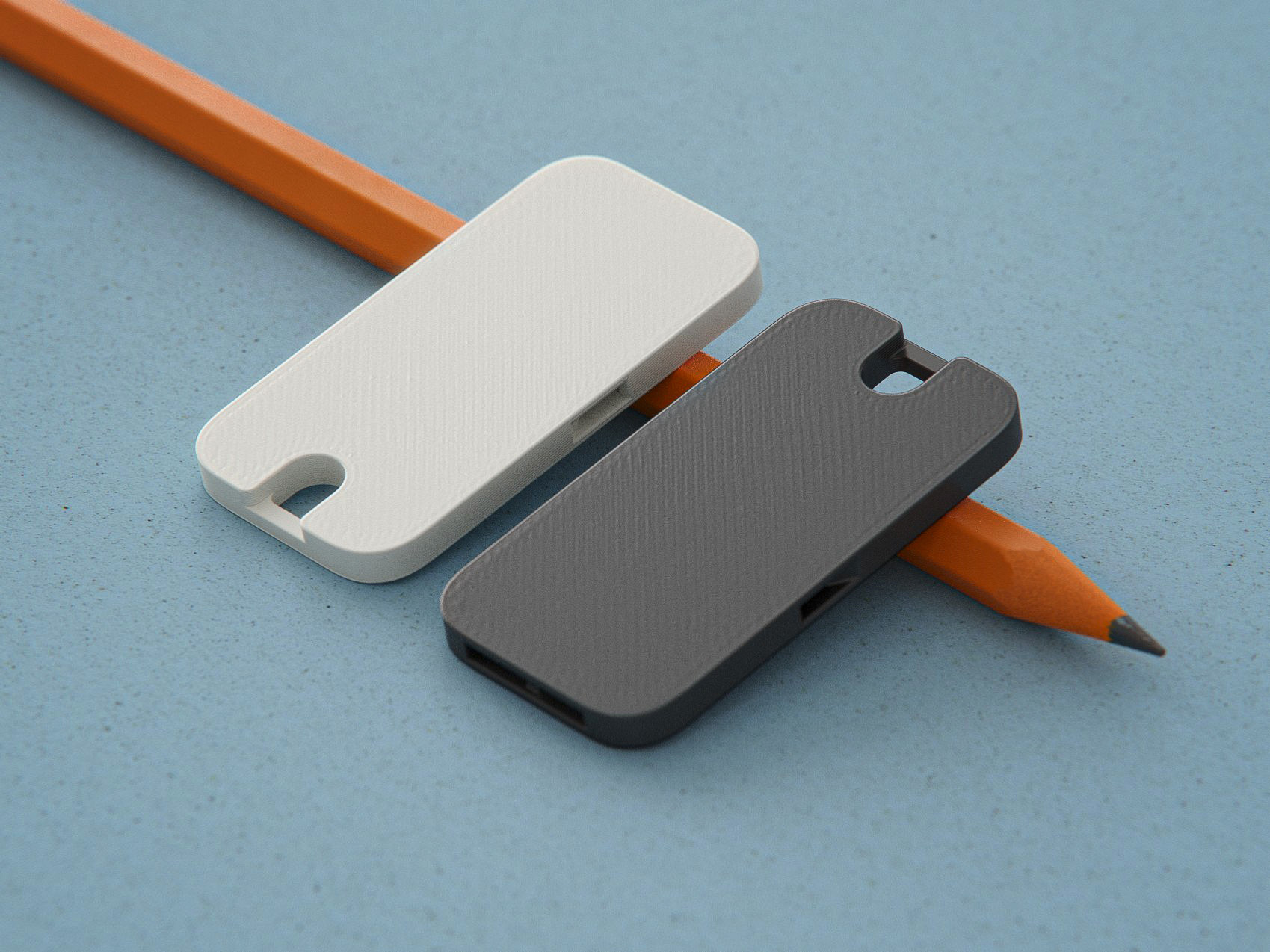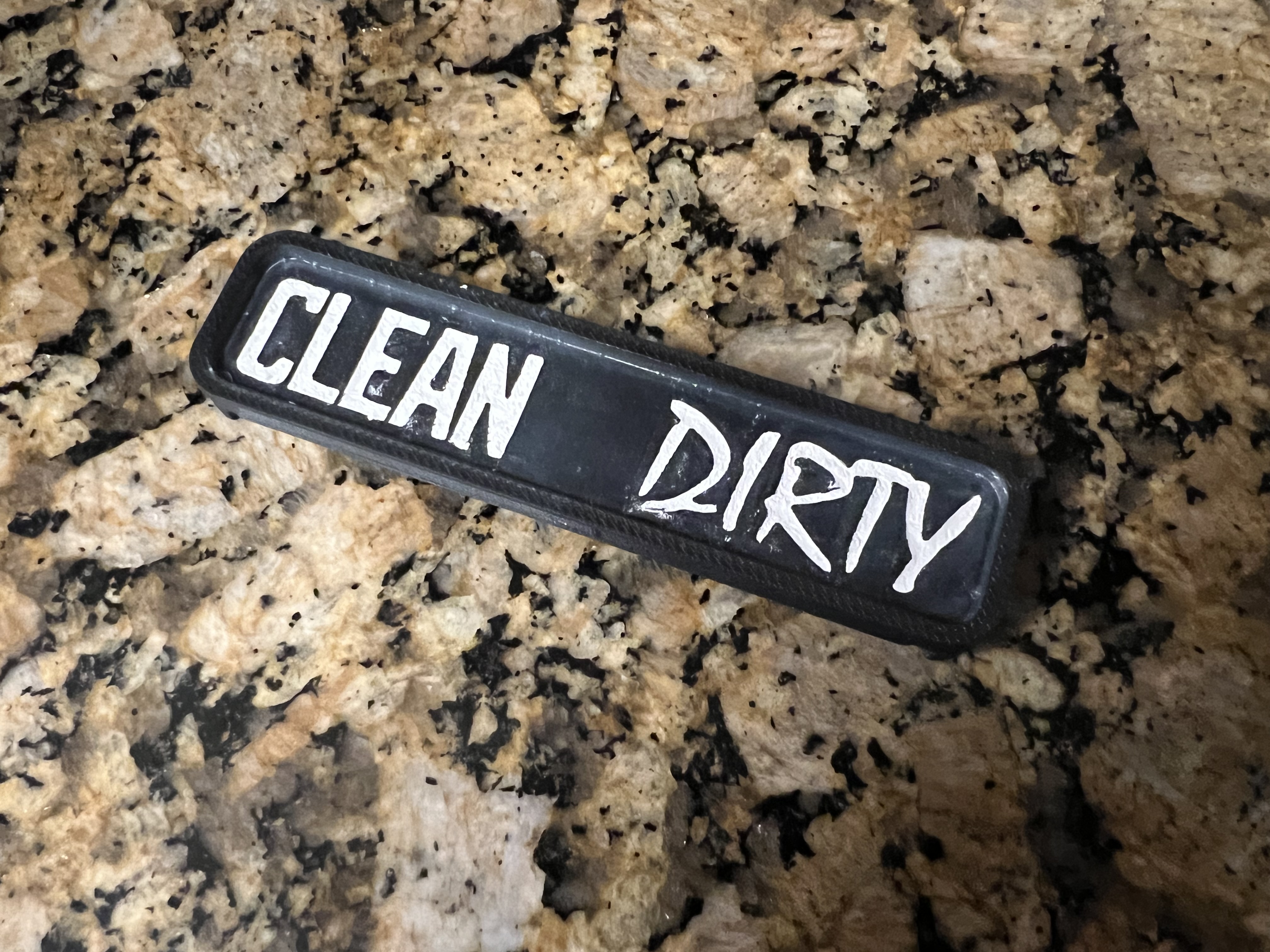
Clerty - Engraved Sign (Instead of Embossed/Raised Text)
by Zimmra · via Printables
| Format | STL |
| Category | Home |
| License | CC BY-NC |
| Triangles | 9.3k |
| Uploaded | Aug 25, 2023 |
⬇ 14 downloads
❤ 2 likes
👁 108 views
Description
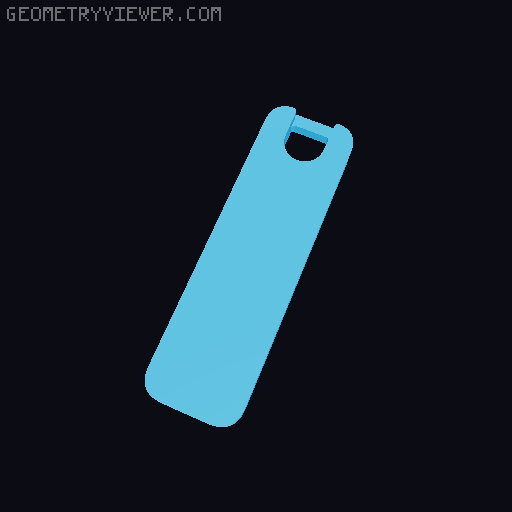
Printed fine for me but may be errors in the model - just quickly made in PrusaSlicer using new negative volume tools, then exported to STL and ‘auto-repaired’ in Windows 3D Builder. I've got more experience dealing with filling in of engraved text than coloring of raised text, so I opted to go with what I know. Plus I wanted the ‘DIRTY’ side's font to have more of a ‘dirty’ feel to it compared to the ‘CLEAN’ side's font. I personally use a lacquer-based paintstick to fill in the text with decent results. With the raised edge/lip around the text surface plane it is a bit more tricky to do, and my result wasn't as good as previous implementations of this method because of this (but was still very acceptable) Pretty simple: rub paintstick in to text to fill, wipe away excess with mineral oil soaked towels/q-tips. Here are examples of the product I use (no affiliate links) https://markal.com/products/paintstik-lacquer-fill-in https://www.amazon.com/Markal-Lacquer-Stik-Paintstick-White/dp/B002BY8HKS There are lots of other methods to fill in text, such as thin oil based paint in a syringe, z-hop infill printing, etc etc. My Print Settings: Orientation: Print ‘face down’ (with gears side on build plate) Layer Height: 0.2mm First Layer Height: 0.28mm Nozzle Diameter: 0.6mm (0.4mm also works) Perimeters: 3 Ironing: ENABLED (PrusaSlicer default sub-settings worked for me, incl. ‘All Top Surfaces’) Top Solid Infill Pattern / Solid Infill Pattern: Monotonic Lines (not anchored) Infill: 25% Infill Pattern: Adaptive Cubic Supports: Yes (I did just the end of the floating edge where the gear will sit, see image) Modifiers: Height Range Modifier Range 6.70mm - 7.08mm Layers and Perimeters Perimeters: 1 Leave others as is Using this Height Range Modifier (when using the same First Layer& Layer Heights as me) will only use 1 perimeter on the top 2 layers of text. I like to use 1 perimeter around the surface layer edge of text for a cleaner look. (I don't have much experience ironing - this may be redudant when ironing)
Originally published on Printables