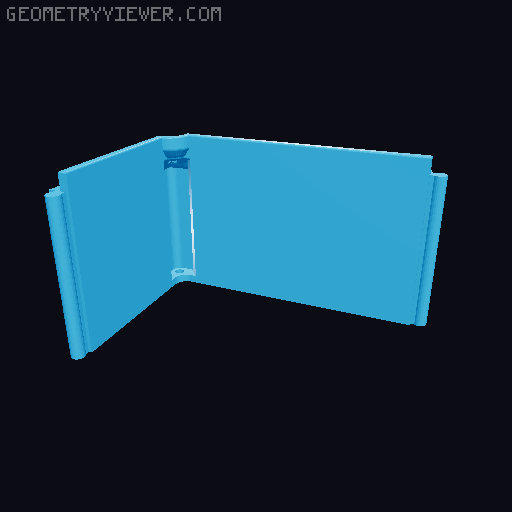
Creality K1 Risers Hexagon Accents
by Quang Tran · via Printables
| Format | STL |
| Category | Art |
| License | CC BY-NC-SA |
| Uploaded | Dec 12, 2023 |
⬇ 216 downloads
❤ 41 likes
👁 1.8k views
Description
Out of the four corner pieces, the back left and back right are different due to the special back wall for the bowden tube and the toolhead wire. Everything was printed in PLA with slim three supports. Print the models as is with brim to prevent warping since they are long pieces. Printing Parameters: Material: PLA Temp: 235C Brim: ON Support: ON, Slim Tree Additional Material: M3x10mm - 4 ea - To screw the corner pieces into the frame To install the corner pieces, remove the original four screws that the K1 lid clips into. Screw those screws into the top hole of each of the corner pieces. Then screw in your M3x10mm screws into the bottom hole and then into the frame of the machine. You can increase or decrease the size of the sliding vent by 1 or 2% to make it slide smoother or tighter depending on your preference and printer tolerance. Let me know if you guys want me to make different sides with different slot types. I will be updating this with new side designs. Happy Printing! Update: I designed some add-on LED light slots to add more lights to the chambers! Models can be found here. Add-on LED Light Fixtures
Originally published on Printables





