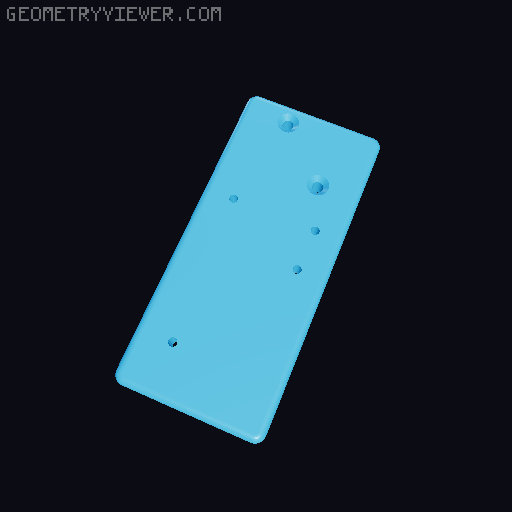
Creality K1 Side load spool holder Version 2
by MDFPereira · via Printables
| Format | STL |
| Category | Art |
| License | CC BY-NC |
| Triangles | 1.8k |
| Uploaded | Jun 17, 2023 |
⬇ 6.2k downloads
❤ 453 likes
👁 24.0k views
Description
Hello everyone. This is another take on mounting both the spool holder and filament sensor on the side of the Creality K1. To assemble the sensor and PFTE fitting on the bracket the stock screws can be used. Do not tighten them too mutch. To assemble the sensor bracket onto the printer, remove the 2 top right screws of the panel and use longer ones. between 14 and 16 mm M3 screws (don't worry about damaging the belt, they are not aligned). For the spool holder, remove the middle right screw from the panel and the bottom right screw from the auxiliary fan. Use longer ones, again, same size as before. Use the stock roll mounted on this bracket. The sensor cable need to come a bit further out. Open the electronics bay and release the cable from the bundle. It will come out enough (thanks to Jim Ball for the info). Enjoy ;)
Originally published on Printables





