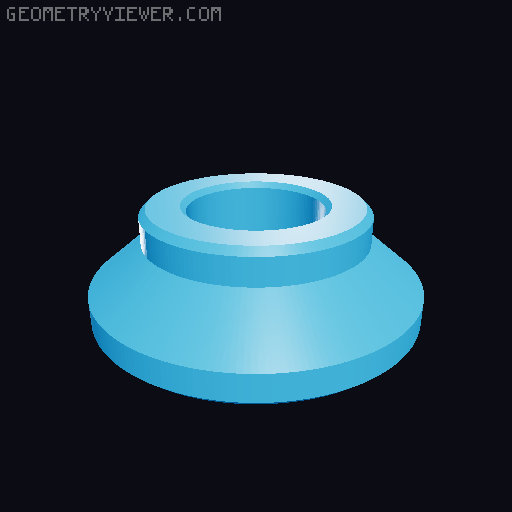
Desk Stranding Swivel Base
by Char · via Printables
| Format | STL |
| Category | Home |
| License | CC BY-NC |
| Triangles | 3.6k |
| Uploaded | Jan 3, 2025 |
⬇ 22 downloads
❤ 3 likes
👁 165 views
Description
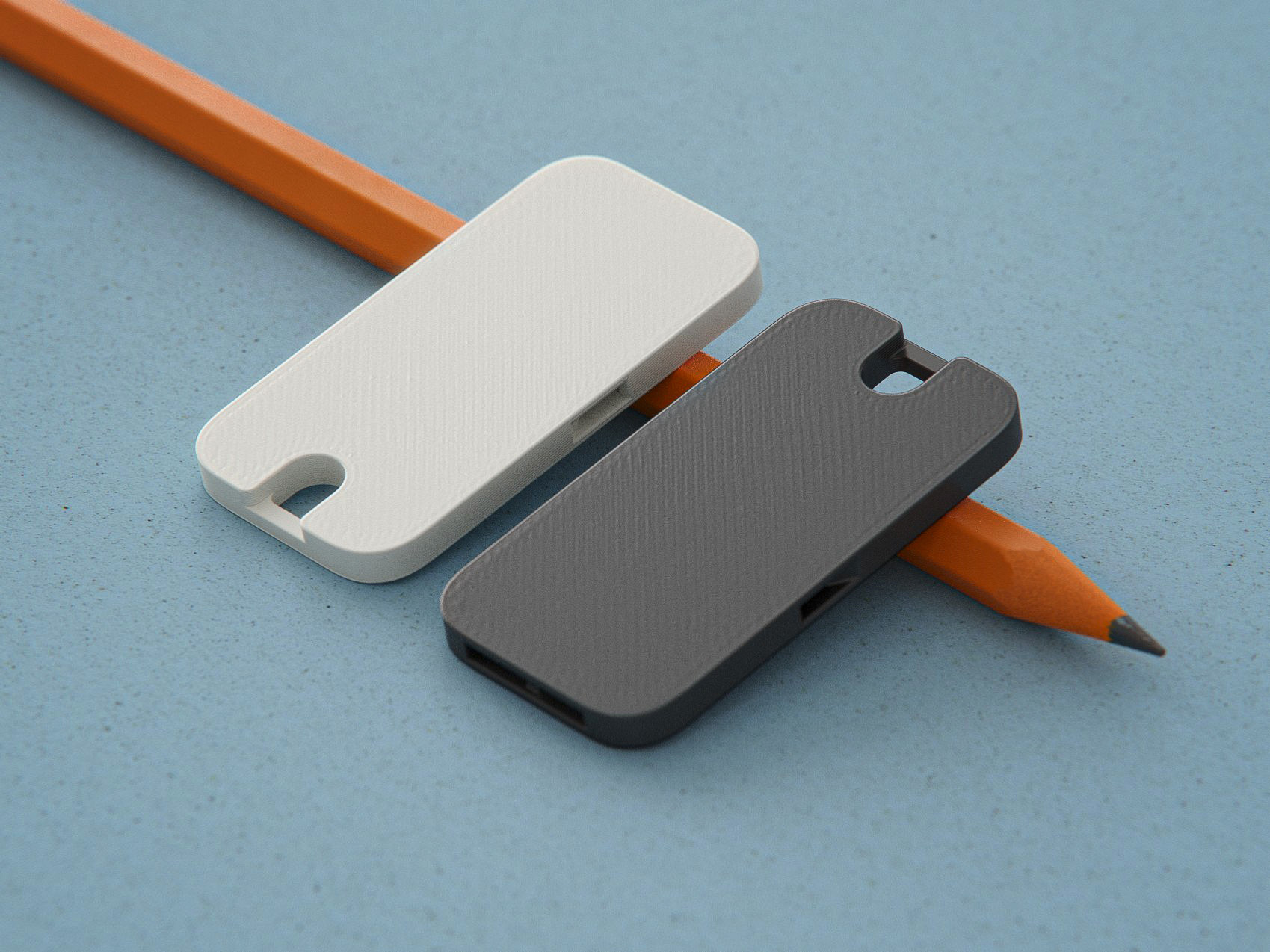
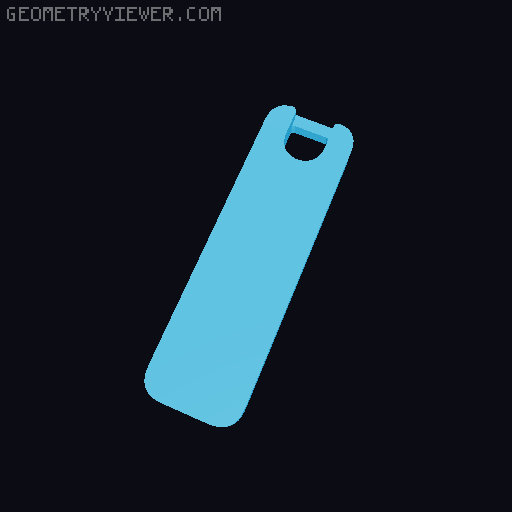
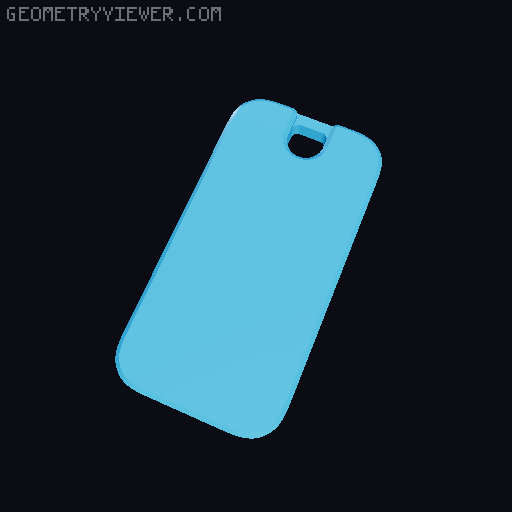
Overview; A remix of the original base to allow the lamp to swivel 360°. I found both the original base and the remixed “thicker base” flexed too much even when printed in ABS. I resized the clamp in all dimensions to reduce flexing as much as possible. I also modified the clamping screw to allow the screw cap to rotate freely. Details; Outlined bellow are the full details of my changes and what to be aware of. You will need one or two M3x20mm Socket Head Cap Screws to use this mount depending if you secure the clamp screw cap or not. Arm Mount: I split the mount into two pieces, a clamp and an arm mount, so it can swivel as needed. They screw together with a M3x20mm SHCS directly into the plastic of the arm mount. I printed mine in ABS, I suggest printing the arm mount first to test a fastener and adjust the size as needed. It needs to be tight enough to not come lose over time. There are two versions of the mount, one printed on it's side (similar to the original) for maximum strength and the other printed standing to preserve the details of the ribs. I've been using the non-flat version without issues, the screw will add strength to the part. Clamp Mount: This was made wider to add material (similar to the “thicker base” remix) but as the arm mount was removed I was able to center it on the base as well. The overall size of the opening is now about 25mm once the clamping screw is in place. Make sure to measure where it's getting installed! The depth of the clamp is also a little shallower to reduce the leverage applied. This shouldn't be an issue for most locations it'll be installed. Clamp Screw: I removed the threads at the top of the clamp screw and redesigned the cap to rotate freely on the screw. This allows for the screw to get much tighter and hold the clamp in place better. The clamp screw and screw cap are held together with an M3x20mm SHCS but you do not need to install this if it is too difficult or you don't have the proper tools. Assembly; There are two ways to assemble the swivel clamp. Either with a SHCS in the Clamp Screw or without. Securing the screw cap is more difficult but will prevent it from coming free on its own. With Clamp Screw SHCS: You will need to install the clamping screw first so you can access the M3 easier through the swivel base hole as pictured. Tighten it fully then loosen it up just enough for the screw cap to spin freely. Ensure the SHCS is not sticking out from the screw cap or it'll damage the surface you're clamping to. 📷 Image redacted — claim this model to add your own media To install the arm base you'll need a short bit that'll fit within the clamp body. I suggest a low-profile bit ratchet but using a bit and pliers also works in a pinch. If you tested the screw fitment on the arm mount before installing it should be a lot easier to install this screw. This can be tighter so the lamp won't swing easily but not so tight it won't move at all. 📷 Image redacted — claim this model to add your own media Without Clamp Screw SHCS: Install the arm mount first using the hole for the clamp screw. Tighten it enough so the lamp won't swing easily but not so tight it won't move at all. 📷 Image redacted — claim this model to add your own media Screw in the clamp screw then place the cap on top. It can fall off but it should stay in place well enough to secure the lamp.
Originally published on Printables