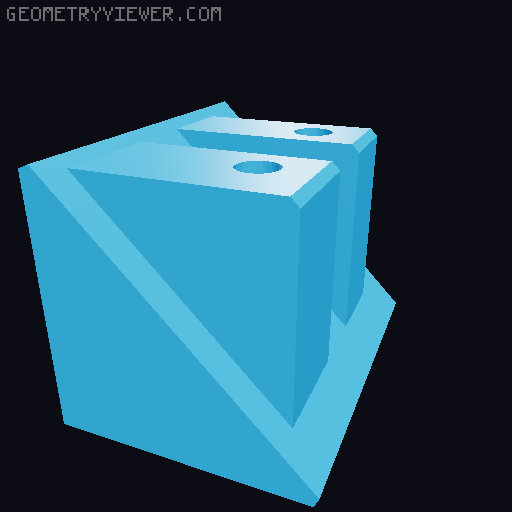
Ender 3 S1 PRO Blank Left & Right Corner Brackets For Editing Or Covers
by JLOJ · via Printables
| Format | STL |
| Category | Art |
| License | Public Domain (CC0) |
| Triangles | 544 |
| Uploaded | Mar 8, 2023 |
⬇ 211 downloads
❤ 38 likes
👁 1.1k views
Description
UPDATE: Uploaded newer versions with bigger screw openings Make sure to have print thin walls checked when slicing I noticed there were lots of different accessories created for the S1 PRO that attached using the front left and right corner screws. To make it easier for designers/makers I took the remixed file that Antzy made and just removed the screw hole block. Now you have a blank slate to add on to them for whatever you'd like, create a camera holder, tool holder, display for the S1 PRO holder, etc. I included three files, one with both sides and one left and one right file.
Originally published on Printables





