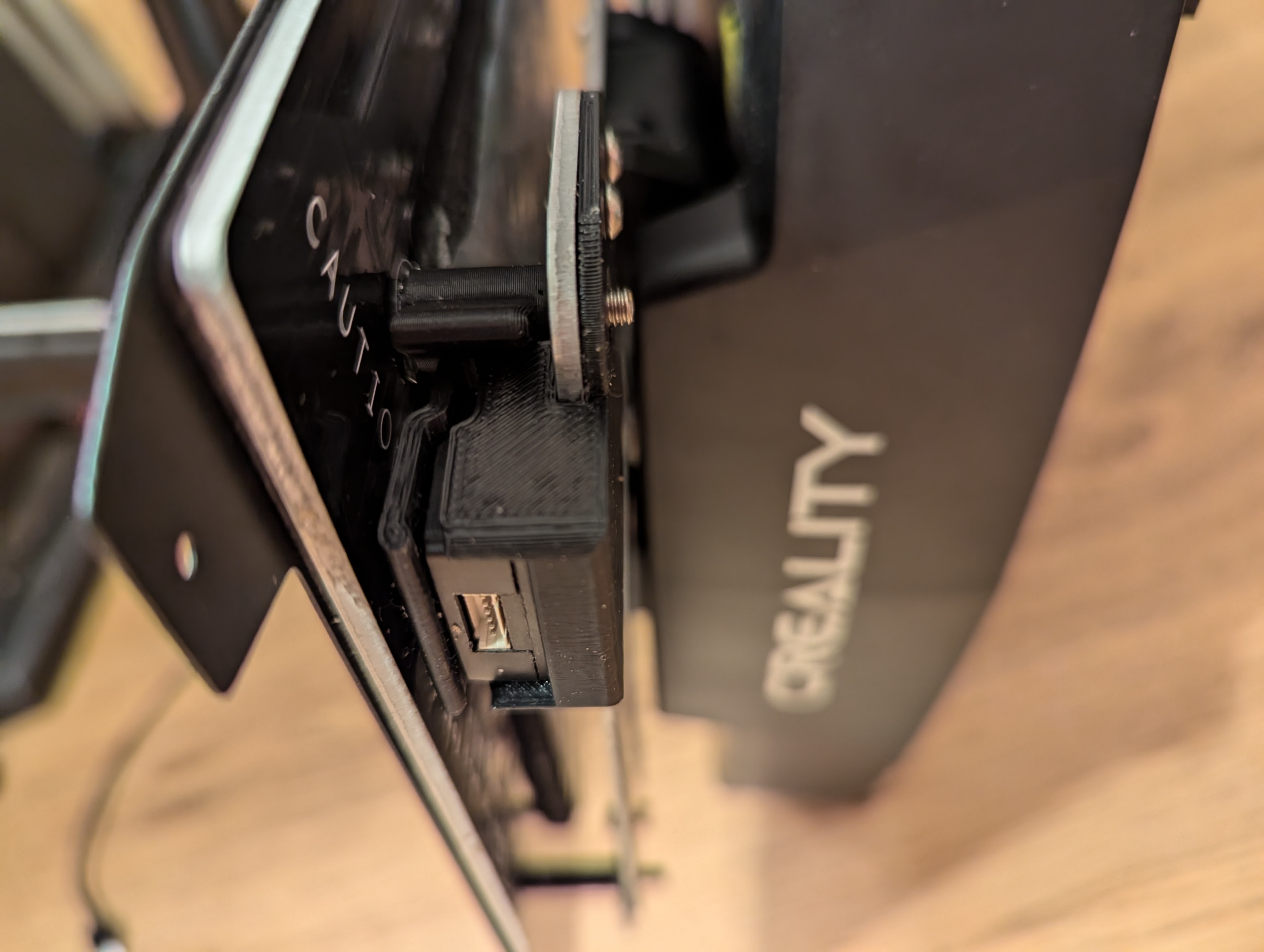
Ender-3 V3 KE G-Sensor Mount - Y Axis
by Michael · via Printables
| Format | STL |
| Category | Art |
| License | CC BY-SA |
| Triangles | 9.9k |
| Uploaded | Aug 6, 2024 |
⬇ 322 downloads
❤ 34 likes
👁 1.4k views
Description
Update - V2 allows for easier install not needing to “force” the bracket over the print bed fixing screw. Clip the removal tool onto the front right print bed standoff. First clip the removal tool onto the print bed standoff so that the opening of the clip faces the back of the machine and then “force” the bracket into place on the print bed mounting bracket until it slides off the print bed mounting screw and fasten with the provided M3x6 screws to print bed mounting bracket. To remove the G-Sensor simply push removal tool lever to easily eject the G-Sensor. I would suggest printing this in ABS or high temp filament. It seems that the PLA warps after installation when using high bed temperatures later.
Originally published on Printables





