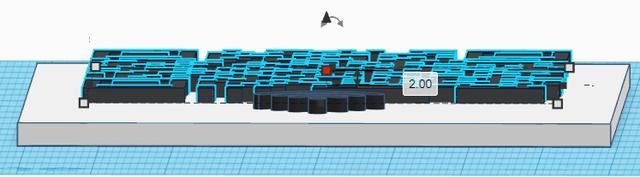
Enhanced Wifi QR Code Sign
by Valdek · via Printables
| Format | STL |
| Category | Art |
| License | CC BY-SA |
| Triangles | 5.7k |
| Uploaded | Jan 9, 2024 |
⬇ 44 downloads
❤ 8 likes
👁 673 views
Description
To make your own sign: open this link after you log in to your tinkercad profile. https://www.tinkercad.com/things/jh2OxYZt7Y0-enhanced-wifi-qr-code-sign then click on tinker this. select the sign, then select the ungroup button 📷 Image redacted — claim this model to add your own media to separate the QR code from the sign. after separation is made select the QR code object. then in the properties enter your WiFi information into into the Text box using this format: WIFI:S: ssid ;T:WPA;P: password ;; test the code then select the both of the sign and the QR code and press the Group button 📷 Image redacted — claim this model to add your own media to group them together. now to export your custom WIFI QR Code select each object on it's own then click on export and make sure that (The selected shape) is selected under included, then press STL, repeat the same steps for the stand and there you go you downloaded your own custom made WIFI QR Code.
Originally published on Printables





