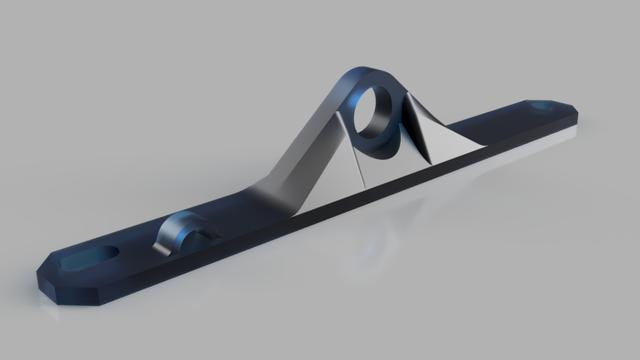
EnXLosure - ESP32-CAM SMA Antenna mount
by WillJinks · via Printables
| Format | STL |
| Category | Mechanical |
| License | CC BY-NC-SA |
| Triangles | 2.9k |
| Uploaded | Apr 26, 2024 |
⬇ 36 downloads
❤ 6 likes
👁 232 views
Description
Fix ESP32-CAM's terrible Wi-Fi by adding a proper antenna to it. RSSI was between -95 and -85dBm with the PCB antenna and are now around -69 with the ½-wave dipole salvaged from an old Wi-Fi router. You'll need: 1x u.FL/IPX - SMA pigtail ( Amazon ) 1x 2.4GHz antenna - you can buy these, but I pulled one off an old wifi router 1x M3x20-ish screw if you are mounting your ESP32-CAM as shown in this post's pictures Drill bit to create a hole for the u.FL/IPX connector to go through. Install process: Modify ESP32 to use the u.FL/IPX connector . This requires a soldering iron, but no skill to speak of - you just need to bridge two existing adjacent solder pads. Install the SMA bulkhead connector to the mounting bracket. Remove two M3 screws that affix the acrylic/PC panels of your EnXLosure. Add the mounting bracket and re-install screws Drill a hole for IPX through the frame of the Enxlosure. See pictures for reference. Pass IPX connector through and attach to ESP32 Filament type shouldn't matter, but I printed mine in Polymaker PETG.
Originally published on Printables



