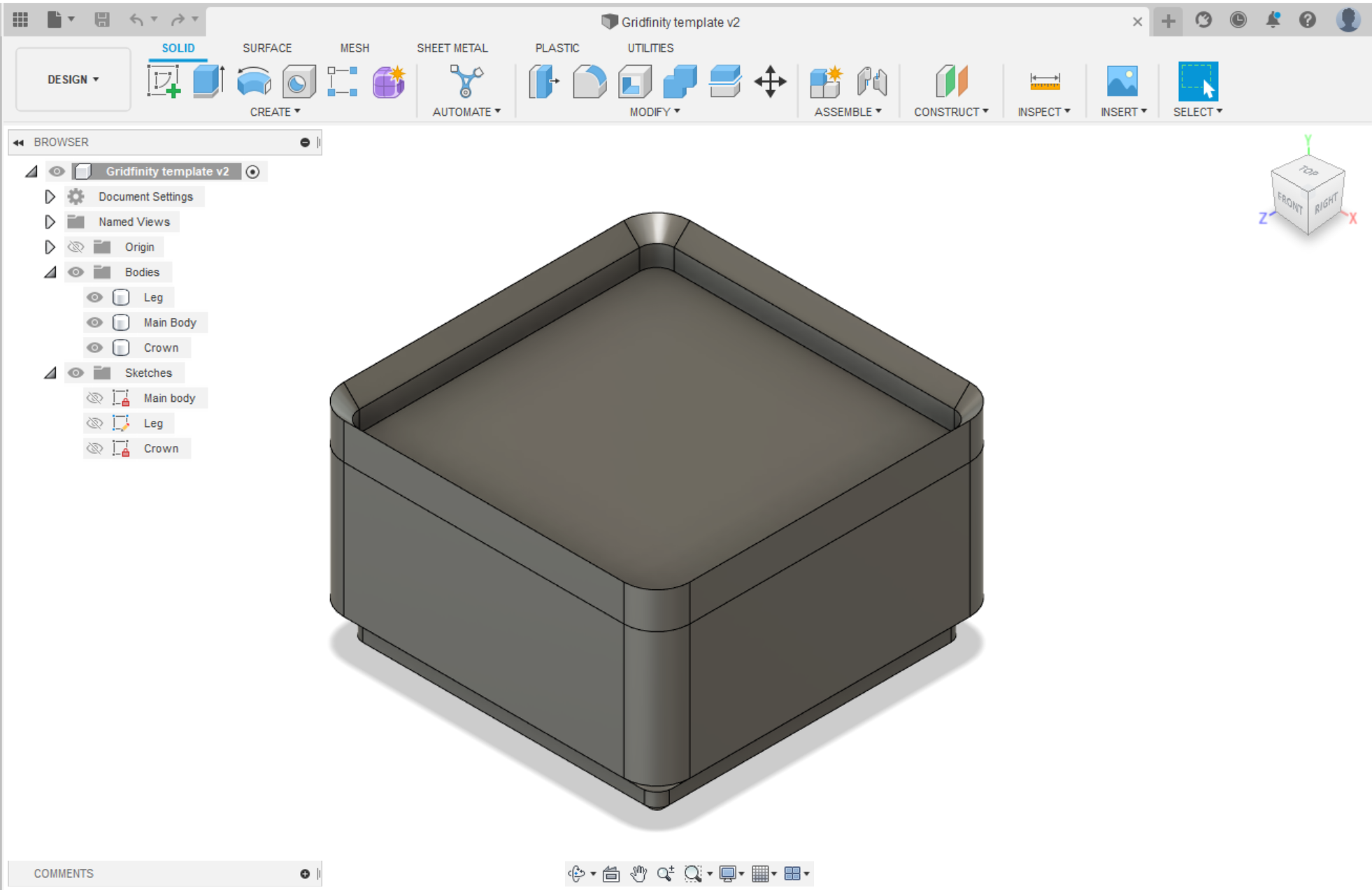
Gridfinity block template - Easy to use! (For Fusion 360)
by pogofcz · via Printables
| Format | STL |
| Category | Organisation |
| License | Public Domain (CC0) |
| Triangles | 1.9k |
| Uploaded | Mar 8, 2024 |
⬇ 6.1k downloads
❤ 416 likes
👁 16.5k views
Description
Edit 8/3/2024: Added template without magnet holes. They are still in the sketch but they are not extruded. This easy to use template lets you make your own blank Gridfinity blocks. Sugested workflow: Open the template file. In the Modify section find “Change Parameters”, new window will open. In this window you will see 3 gold star parameters. Choose how many rows and columns your block will have with the “Blocks_length” and "Blocks_width" parameters and the starting height with the “Blocks_height”. (NOTE: ½ height is regular block and 1 is a tall block) Once happy click OK. (For custom height: Set "Blocks_height" to 1 and then play around with "body_size_height") IMPORTANT: Combine ALL bodies there are into one. Otherwise it wont be one cohesive block! If you don't want to stack them or you just don't care about the lip, don't merge the Crown. Now add your custom features!
AI Analysis: This is a modular storage container designed for organizing small items. It features a grid-based structure that allows for easy assembly and customization to fit various storage needs. The container has a sturdy base and smooth edges for safe handling.
Originally published on Printables





