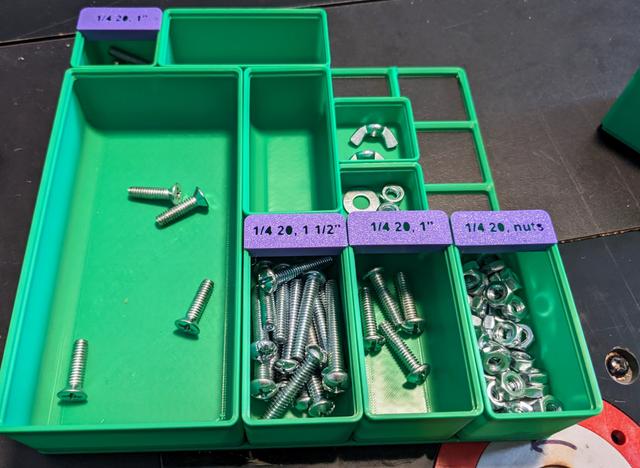
Gridfinity lidfinity lite flat for embedded labels
by shoooo · via Printables
| Format | STL |
| Category | Organisation |
| License | CC BY |
| Triangles | 962 |
| Uploaded | Jul 23, 2023 |
⬇ 61 downloads
❤ 22 likes
👁 741 views
Description
This remix is to make it nicer for lidfinity lites to have embedded text cut or popouts, just by removing the lip. To make embedded text for labeling, in your slicer: Create a text object on the flat side. If you are making it a cutout (not a popout), two more quick steps Set your text object to have a depth of anything 1mm or greater Change your text object to a negative object so it cuts it out of the label Flip the orientation so the face side is down for a nice clean print Send it! Note: if you use a cutout, the centers of any characters will drop out.
Originally published on Printables





