Makita Battery Charger DC18SD Mount - Pegboard and Wall
by poprhythm · via Printables
| Format | STL |
| Category | Tools |
| License | CC BY-NC-SA |
| Triangles | 3.5k |
| Uploaded | May 6, 2024 |
⬇ 246 downloads
❤ 25 likes
👁 1.3k views
Description
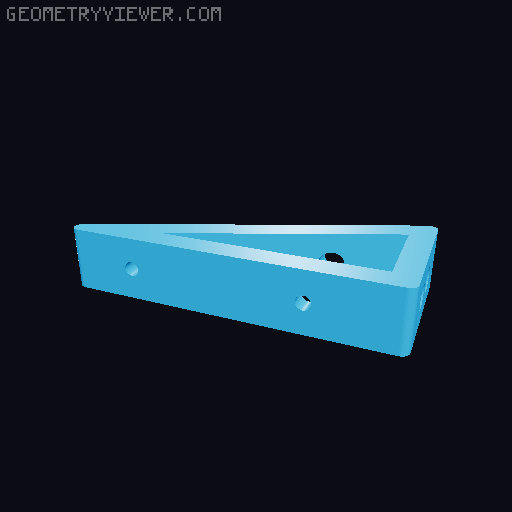
The DC18SD is slightly smaller than the DC18RC, so this adaptation will fit this model. Insert the top peg at an angle first, and then push in the bottom two support pegs. You may want to add a screw into the pegboard for extra support. The right and left variations are separated by 5 peg spaces between them. I printed in PETG for the pegboard - PLA can be a little brittle for the pressure on the pegs. Your mileage may vary. I printed them sideways, with a triangular shape formed on the bed. Use support for the pegs and the mounting inserts. The drill holes will not need any support - block those out. Before mounting, you'll need to remove the rubbery feet on the charger. -- Update 5-5-24: Added a Multiboard mount. This was requested by 3Dfree, but I haven't had a chance to test myself. The geometry looks all correct - everything is spaced in multiples of 25mm. It will require a Drop-In Nut Snap piece in M5 size for each bracket.
Originally published on Printables