Multifunctional Centring Tool
by 3dcad · via Printables
| Format | STL |
| Category | Tools |
| License | CC BY-NC-SA |
| Triangles | 31.9k |
| Uploaded | Jan 7, 2025 |
⬇ 2.0k downloads
❤ 577 likes
👁 6.7k views
Description
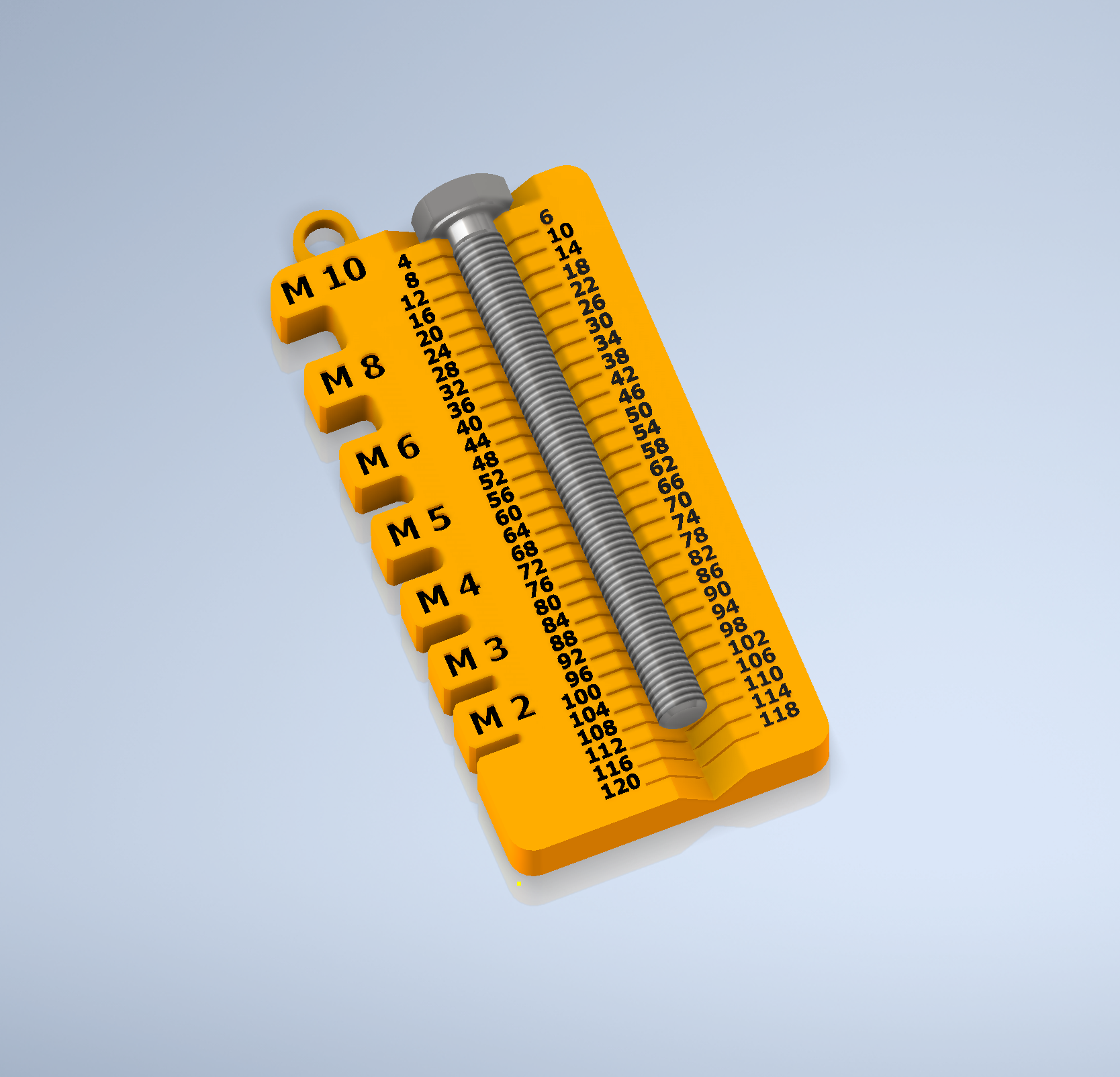
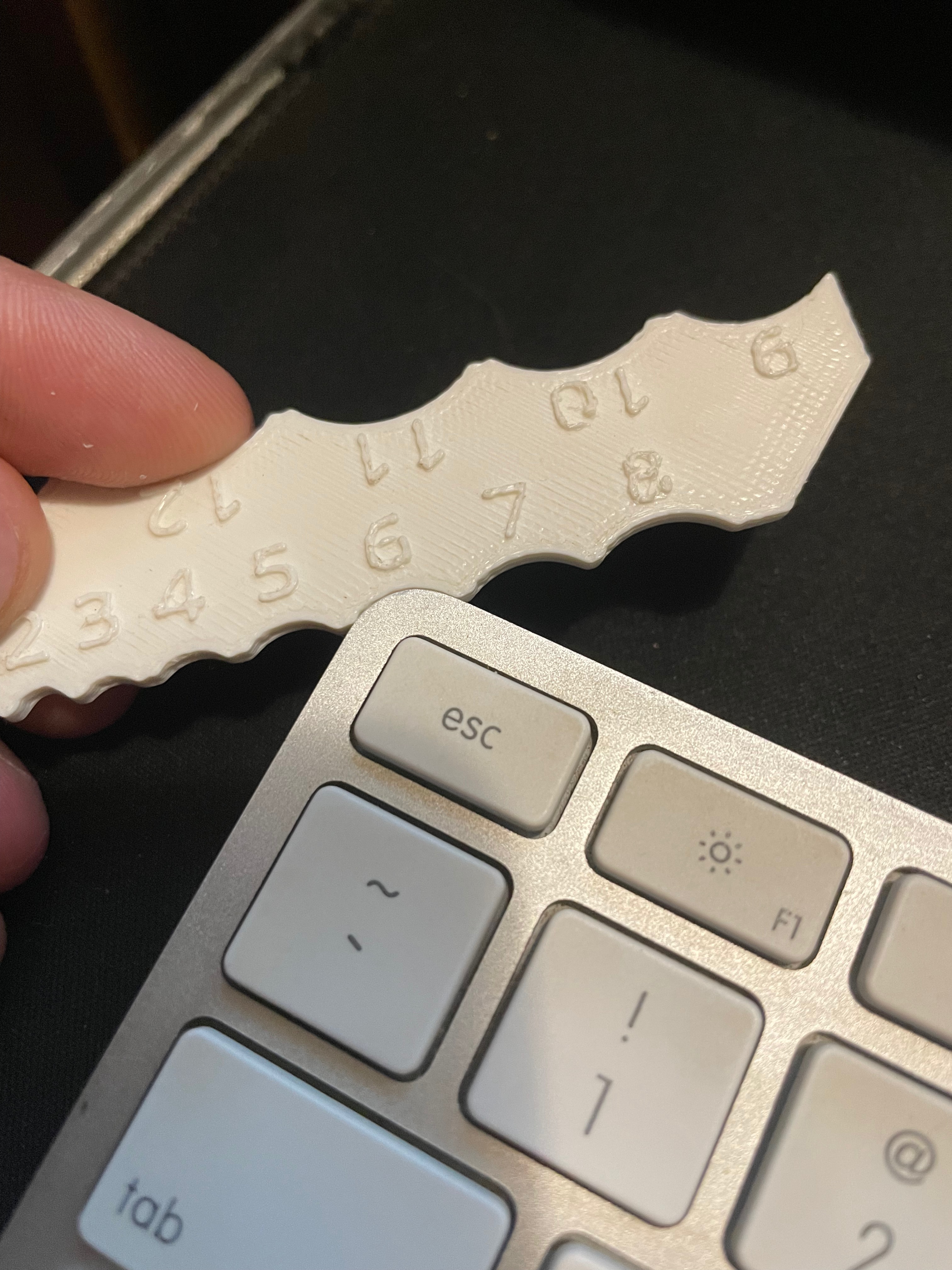
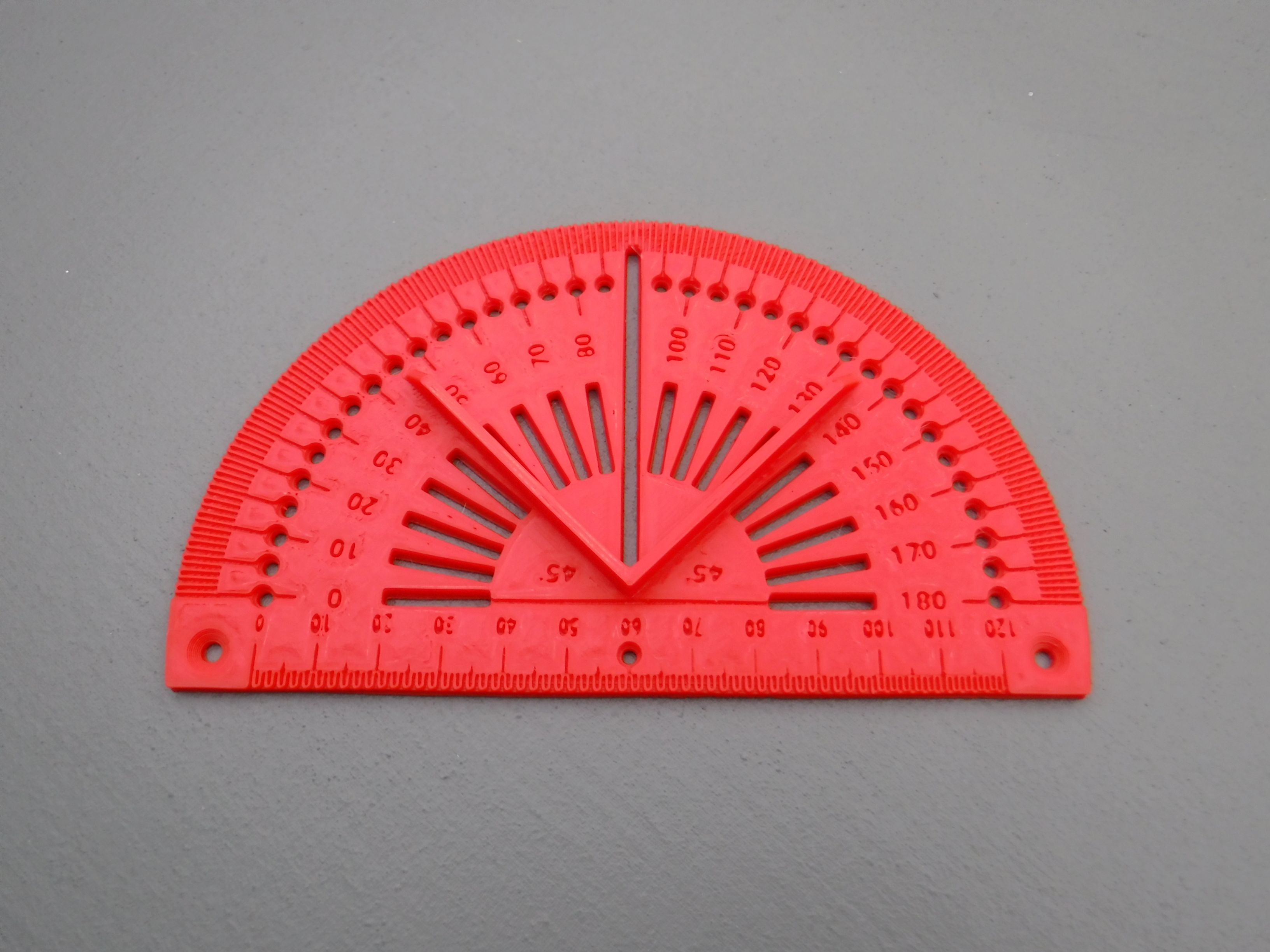
Introduction A multifunctional tool that allows the following 4 main functions for use in the workshop: 1: Protractor, measurement and drawing of angles. (0 to 180 degrees)*. Debossed legends are included to indicate the angle#. Radial slots at 10 degree intervals and holes at 5 degree intervals are included for convenience. These can also be used to create marks or lines at intervals, the inclusion of the alignment pins helps to hold it at the straight edge. With the tool flipped and the vee boundary aligned against a straight edge a 45 degree angle can be marked along the ruler edge. Circles can be drawn using the centre line marker hole as a pivot point minus the alignment pins. With the marker being pressed in the hole or at the front or back of the slot for stability. 2: Ruler, measurement and drawing of straight lines. (up to ~120mm)*. Debossed legends are included to indicate the linear length#. 3: Circle centre finder. (up to a radius of ~46mm)*. Centre slot at the 90 degree position in conjunction with a right angle horizontally rotated at 45 degrees to create the vee boundary. The tool is required to be flipped over to enable the pencil to pass through the long slot at the 90 degree position. Align the circle with the vee boundary. Draw a line then rotate the circle or tool and draw a new line. The centre is were the lines cross. 4: Centre line marker. (up to a width of ~84mm)*, subject to the radius of the alignment pins. Countersunk holes at -5 & 85 mm on the ruler allow the installation of the alignment pins. The alignment pins consist of 2 x M3 x 10(L) mm machine screws and 2 x 5(dia) x 10(L) mm threaded cylindrical standoffs. Diffferent diameter alignment pins can be used but will affect the maximum usable width. Place the tool flat against the item to be scribed with the alignment pins at the outer edges and rotate the tool to press the alignment pins against the sides of the item. Whilst doing so with the marker in the centre hole slide the tool along the item leaving a line of symmetry. *Based on the supplied file without further scaling subject to variations in the filament and printer. #The legends can be further highlighted with paint or resin as suits personal preference. Print Details: Filament: PLA Red (although any colour to suit personal choice may be used). Layer Height: 0.2mm Infill: 100% (if the model is scaled different size screws and standoffs will be required) Base Adhesion: Skirt No supports. Size: 150(L) x 90(D) x 9(H) Weight: 38g Supplied STL file orientated for direct printing. Post processing Subject to printing quality, the edge of the ruler and/or protractor may require some sanding and the slots and holes may require some filing to remove surface aberrations. Updated 6th Jan 2025 On the previous version (1.5_2 now deleted), the scale on the ruler was set at 1.5 meaning each 10mm was actually 15mm. Appreciation to Yeastdonkey for bringing this to my attention. This has now been corrected in version 1.5_3
Originally published on Printables