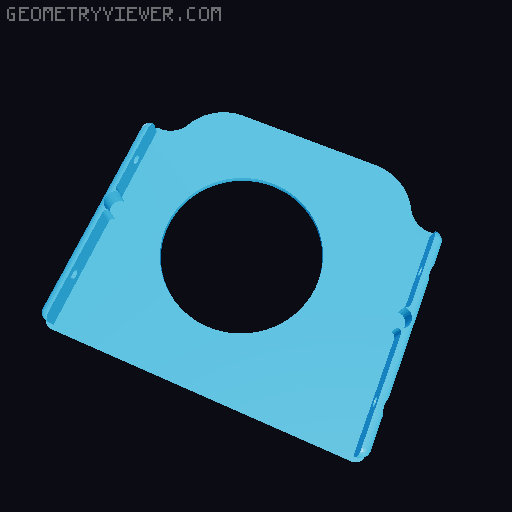
Neptune 4 HGX Fan5015
by Paul Mironov · via Printables
| Format | STL |
| Category | Art |
| License | CC BY-NC-SA |
| Triangles | 3.9k |
| Uploaded | Nov 15, 2024 |
⬇ 124 downloads
❤ 58 likes
👁 1.8k views
Description
I will be glad to have your support for my projects! https://boosty.to/mironovpaul/donate Good afternoon, friends! I really liked the extruder with three 5015 fans, and I wanted to improve it by installing a more efficient feeder and a more powerful hotend. After doing a lot of work, I achieved excellent results. Now, if you assemble this "head," you will have a powerful tool for printing with excellent cooling. To assemble it, you will need to embed 10 nuts (M2 L3 OD 3.2), 16 nuts (M3 L3 OD 4.2), and 1 nut (M3 L5 OD 4.2 or OD 4.5). Important! When embedding the M3 L5 nut, you need to leave 1 mm of the nut above the surface! After you have embedded all the nuts, you will need to assemble all the components in the following order: Insert the HGX-Lite feeder into the adapter and secure it with two M3x16 screws; Insert a 15 mm PTFE tube into the adapter; Insert the assembled BambuLab X1C hotend into the adapter and secure it with two M3x20 screws; Insert the assembled adapter (remove the retaining screw from the HGX-Lite beforehand) into the housing and secure it with five M2x4 screws; Attach the motor by inserting it inside; Attach the LED backlight and the auto-leveling sensor (stock or BttEddy); Attach 3 fans using 6 M3x20 screws; Attach the board from the stock head and connect all the contacts; Attach the "head" to the printer's carriage. Before printing, perform all auto-leveling and PID calibrations. You can leave the gear ratios as they are; the default settings will work fine.
Originally published on Printables





