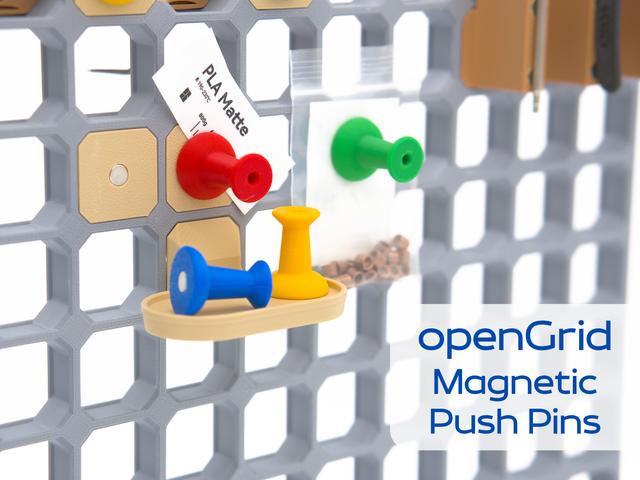
openGrid Magnetic Push Pins
by KYZ Design · via Printables
| Format | STL |
| Category | Organisation |
| License | CC BY-NC-SA |
| Triangles | 23.2k |
| Uploaded | Oct 2, 2025 |
⬇ 37 downloads
❤ 15 likes
👁 284 views
Description
Introduction Magnetic snap and push pin compatible with openGrid, openGrid Lite and openGrid Heavy (pictured) with integrated clips. Magnets are pushed in after the print and there are no pause commands (and no waiting around) to seal them into the print. Magnets Magnets should be press-fit. If they don't fit tightly, you can use a drop of glue to keep them in. There are holes behind the magnet so you can easily push the magnets out with a hex key for reuse. D6x3 round magnets are recommended. Print profiles are included for D6x2, D5x3 and D5x2 round magnet versions. Make sure you get good quality magnets! Printing Tips If the magnet fit is too tight or too loose, it is likely that your filament diameter is larger than usual (example, 1.79mm instead of 1.75mm). Adjust your flow rate to correct this, not the part scale. PETG and other softer plastics may not retain the magnets as well as PLA. If you want to print them in multiple colours and have an AMS or other filament changer, you can “merge” the same colour pins to assemblies in the slicer and print them sequentially in the same print (see picture). Change log Update 1: removal notch added to the snaps 📷 Image redacted — claim this model to add your own media Further Resources Check out this collection for related openGrid models and the official openGrid subreddit for questions and inspiration.
Originally published on Printables





