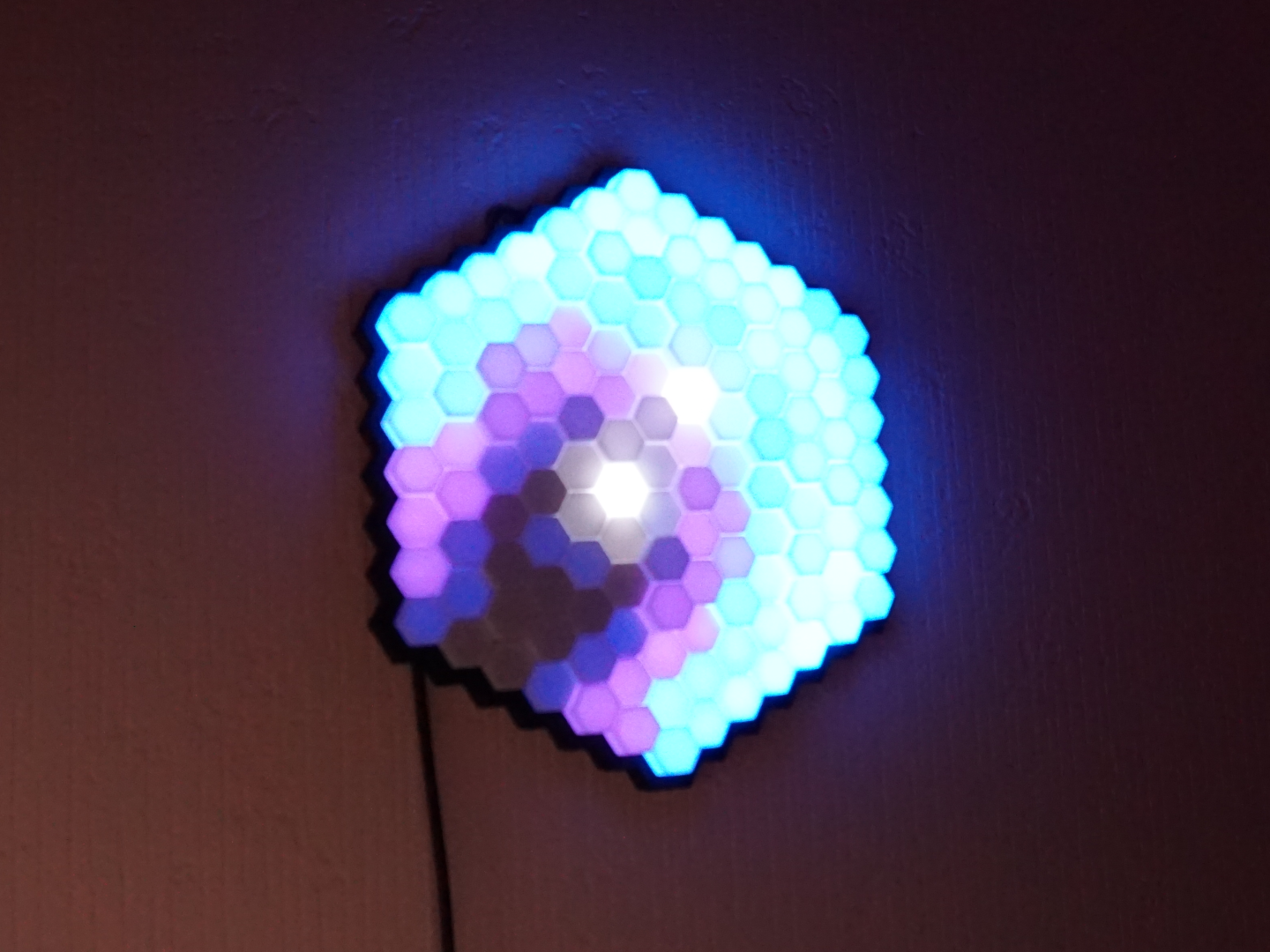
PrismLume
by How To Homemade · via Printables
| Format | STL |
| Category | Home |
| License | CC BY-NC-SA |
| Triangles | 63.6k |
| Uploaded | May 11, 2024 |
⬇ 1.4k downloads
❤ 1.4k likes
👁 18.2k views
Description
Things you wanted to know before: Be aware of the effort involved in this project, you can't just put everything together in 10 minutes. You should also be good at soldering and know how to handle cables. It took me about 3 hours to solder all the strips together correctly. I would also set up the software first and connect the ESP to the first LED segment. After soldering on a new segment, you can now always check whether all connections are working. Required Parts: 📷 Image redacted — claim this model to add your own media 3D Printed: 1x Base 1x Grid 1x Cover 127x Prism Cap (you can vary between small, medium, large and extra large) Used Filament: Black: Redline Filament White: Sunlu 📷 Image redacted — claim this model to add your own media Extra Components: 127 Leds (2,12m 60leds/m WS2812b [ DE , US ], SK6812 [ DE ], etc.) LED Controller (ESP32 [ DE , US ], ESP8266, etc.) 5V power supply (or phone charger) Old USB Cable [ DE ] 14x M2x4mm countersink screw [ DE ] 14x M2x2.5x3.2 heat nut insert [ DE ] Versions: 1.0: Here we go: The next generation hexa ambient light! 1.1: easier to assemble the holes for the heat insert nuts are now centered there is more space for the cables at the corners between the strips Assembly: Step 1: Cut the LED strip to pieces of the correct length. AmountLength (Leds)272829210211212113 📷 Image redacted — claim this model to add your own media Step 2: Press the 14 heat nut inserts into the holes in the base with your soldering iron. Step 3: Insert the USB cable through the hole provided and solder it to the beginning of the first LED strip. Then all LED strips must be soldered together one after the other. I used cables with lengths of 21, 26 and 31mm. Make sure to always connect GND to GND, data to data and 5V to 5V. 📷 Image redacted — claim this model to add your own media Make sure the arrows on the LED strip are aligned correctly: 📷 Image redacted — claim this model to add your own media Step 4: Press the cables into the corners: 📷 Image redacted — claim this model to add your own media Step 5: Press the Cover between the Base and the Grid and then screw the grid onto the base with the 14 M2x4mm screws (the image don't show the cover): 📷 Image redacted — claim this model to add your own media Step 6: Press the 127 caps onto the grid: 📷 Image redacted — claim this model to add your own media Step 7: Solder or plug your cable onto the ESP, connect the cable as shown below: LED-Strip ESP GNDGNDDinG16+5V5V Software: Step 1: Connect your ESP to the computer and install WLED on it. Go to the WLED webpage. (If you have any problems, check out the first part of this tutorial ) Step 2: Download the zip folder PrismLume_WLED_Config.zip from “Other Files” or here and unzip it. Go to Config → Security & Updates and upload the PrismLume_config.json file to “Restore configuration” and press upload. Then Upload the PrismLume_presets.json to “Restore presets” if you want to use my presets and press upload. Then scroll to the bottom of the page and press “Save”. Go to Config → 2D Configuration and upload the PrismLume_gap.json file to “Gap file:” and press upload. Then scroll to the bottom of the page and press “Save”. Search for WiFi networks on your phone and connect to the “WLED-AP” network (password: wled1234). Type 4.3.2.1 in your brower. Go to Config → WiFi Setup and enter your WiFi credentials. Now you can make the lamp light up in different patterns on the Presets page, or create your own patterns. 📷 Image redacted — claim this model to add your own media Have fun building the project! Stay ceative!
Originally published on Printables