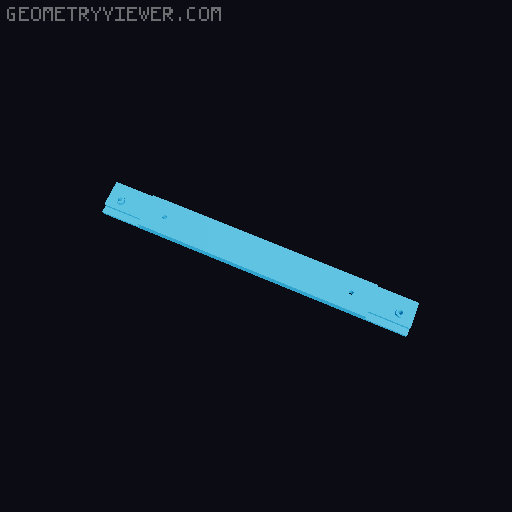
Prusa Core One Magnetic Top Cover - Remix for 10x2mm Magnets
by Ben · via Printables
| Format | STL |
| Category | Art |
| License | CC BY-NC-SA |
| Triangles | 3.6k |
| Uploaded | Jun 10, 2025 |
⬇ 96 downloads
❤ 23 likes
👁 998 views
Description
Love this mod, but I didn't have any 5x5mm magnets on hand. I did have some spare magnets in various sizes like 10x2mm, so I remixed the blank front part and side frame part to work with 10x2mm magnets. Also remixed the regular front frame part and regular rear frame part for those that don't want to use the hinge mod. If you want the top cover mod with hinges, I've also remixed that part for 10x2mm magnets, which you can get here . Parts: (8x) 10x2mm Magnets - From this magnet kit (8x) M3x10mm Button Head Screws Printed Parts: (1x) Front_Left (1x) Front_Right (1x) Back_Left (1x) Back_Right (2x) Frame_Side (1x) Frame_Front or Frame_Front_Blank (1x) Frame_Back (2x) Frame_Tab - I used this remixed tab part instead (1x) Frame_Side2 (Only needed if using the vent slider) (1x) Frame_Slide_Cover (Only needed if using the vent slider) Print Settings: Print with text side down Material: PETG or ASA Nozzle: 0.4mm Layer: 0.20mm Structural Infill: 15% Gyroid Walls: 3 Supports: Support enforcers only for the magnet pockets (see photo below) - I set ‘Top contact Z distance’ to 0.25 for easier support removal with PETG 📷 Image redacted — claim this model to add your own media Assembly Instructions: Refer to original instructions here Notes: Magnet pockets are sized for a press fit, no glue is needed. If you're having trouble getting the magnets in, the method that worked best for me was pushing them partially into the pockets with my fingers, flip the part over and setting it down against a flat surface, and pushing down on the area where the magnet is located to get them fully seated.
Originally published on Printables





