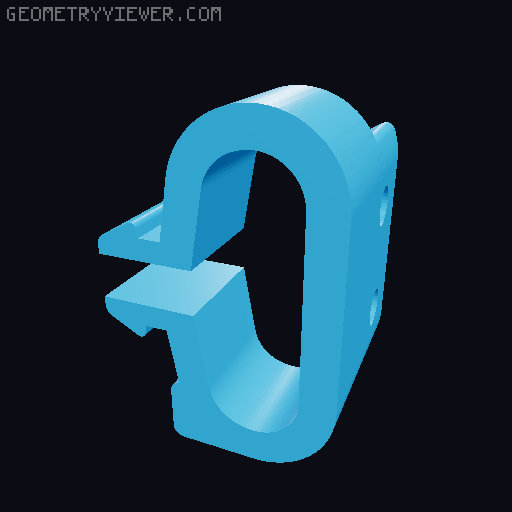
Prusa i3 MK3 - LCD side mount kit
by LWP · via Printables
| Format | STL |
| Category | Art |
| License | Public Domain (CC0) |
| Triangles | 8.4k |
| Uploaded | Feb 14, 2024 |
⬇ 44 downloads
❤ 10 likes
👁 271 views
Description
I mounted the printer in a position where I couldn't see the LCD panel, so I wanted to rotate it to the left. From the original model, it wasn't possible to mount it on the left, because there isn't enough clearance for the SD card, but I appreciated the mounting system. I extended the two supports to mount the four original fixing screws and avoid disassembling the entire original LCD support assembly. The right support is further extended to make full use of the printer's footprint and leave space for the SD card, which can now be easily removed from the left side. Unscrew the lcd screen with the holders from the front metal panel of the printer Screw the two new supports: the short one on the left, the long one on the right of the lcd panel, using the original screws. Fit the new supports into the profile, done! It's snap fit. The files to be printed are two: one long and one short. Print settings advice: Print vertically, leaning against the side of the support, as shown in the photo from slicer 0.4 nozzle PETG 4 perimeters 0% infill 0 solid layers, top and bottom
Originally published on Printables





