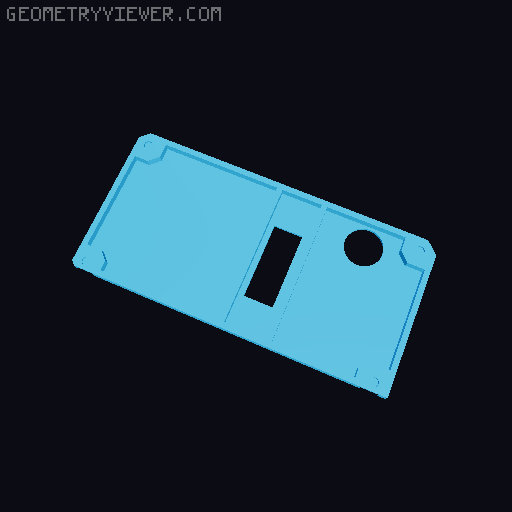
Prusa Mini display backplate (no supports required)
by Darragh · via Printables
| Format | STL |
| Category | Art |
| License | CC BY-SA |
| Triangles | 5.1k |
| Uploaded | Feb 14, 2022 |
⬇ 216 downloads
❤ 38 likes
👁 928 views
Description
Printing Instructions Print on it's flat face without supports, just remove and tidy up the single sacrificial layer where the screws go, a sharp knife is a good tool for the job. I printed mine in black Prusament PETG on the Prusa Mini using a textured build plate. Installation First, unplug the LCD display cable on the back of the display. Then remove the display from the printer with the single M3 bolt. You can then remove the 4 M3 screws holding the display in place, and place the printed cover in. Reinstall the 4 screws and tighten gently. Reattach the display to the printer and finally, plug the display cable back in.
Originally published on Printables





