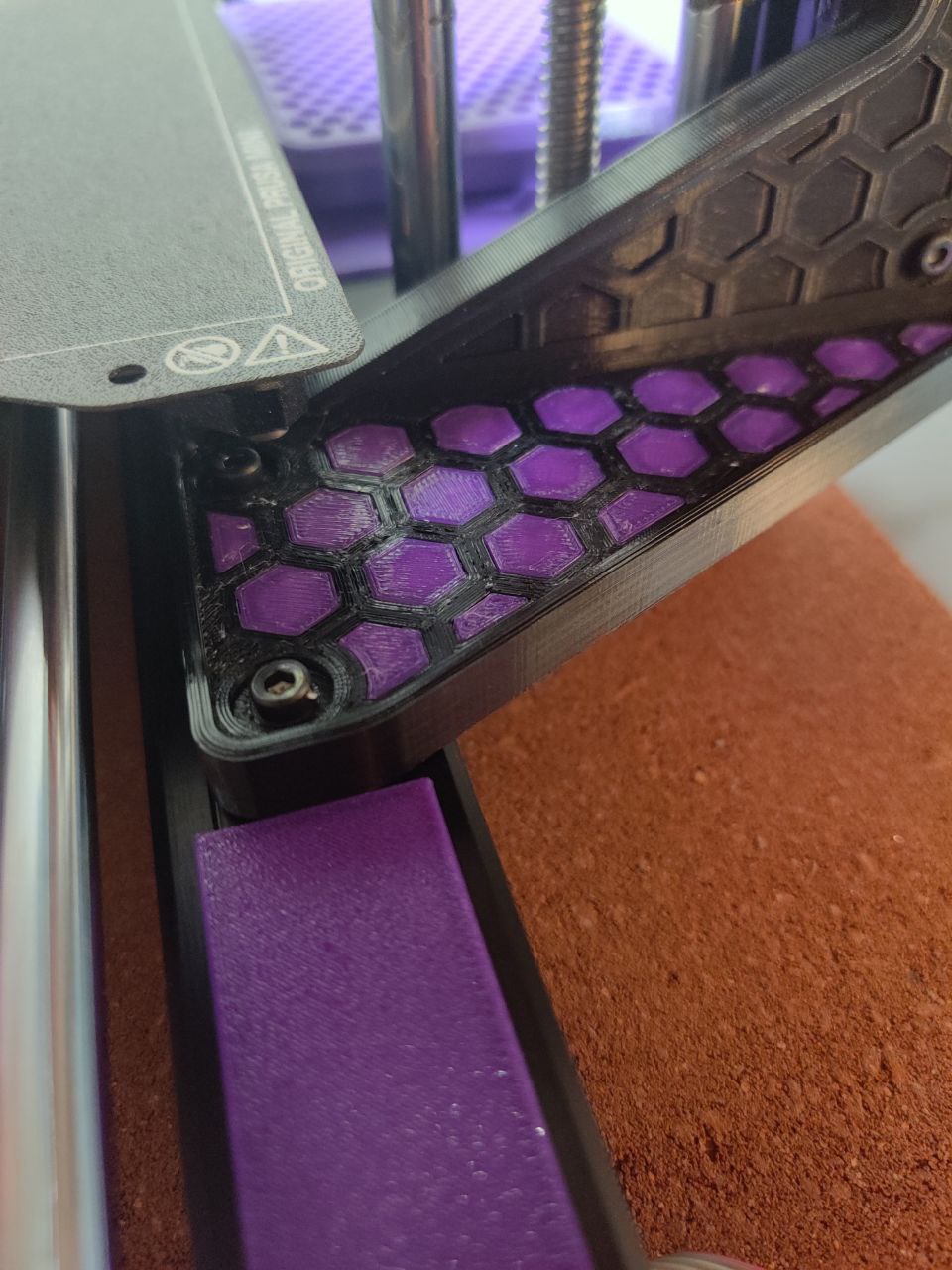
Prusa Mini Z Brace Hexagon Inserts
by PurplePLA · via Printables
| Format | STL |
| Category | Organisation |
| License | CC BY |
| Triangles | 480 |
| Uploaded | Jun 6, 2022 |
⬇ 16 downloads
❤ 1 likes
👁 322 views
Description
I didn't like the small gaps over the Y extrusion, and realized I could fill all of them with colorful hexagons fit perfectly to the design. This was designed in TinkerCAD, with the main Z brace acting as a hole to cut the exact hex shapes. There are no tolerances included in this design - use a negative XY compensation value. I used -.1 and the fit is perfect, but YMMV. These are very small pieces, and tedious to insert. I recommend orienting the print to be the same as the z axis brace, and moving the pieces one at a time over to the brace once the print is completed, to better keep track. I used a small about of PVA glue for each. I do not recommend splitting the file and to auto arrange the pieces and save space - they are aligned exactly to the brace itself, and many pieces look the same but have slight differences in geometry, it is very easy to use the wrong piece if you get lost. There is a very tiny piece included - I do not recommend attempting this, as I haven't been able to find any way to get this piece to fit and it's not really noticeable, but it does exist. There are three .stl files - one for all hexes, one without the thin piece, and one of only the thin piece.
Originally published on Printables





