Radius Gauge Remix - Tighter Fit, 0.02 - 0.04mm Accuracy, Flush Fit for ~16mm x 3.5mm Caliper Blades
by SteveJohnsen · via Printables
| Format | STL |
| Category | Tools |
| License | CC BY-NC |
| Triangles | 3.4k |
| Uploaded | Jan 16, 2024 |
⬇ 613 downloads
❤ 113 likes
👁 3.4k views
Description
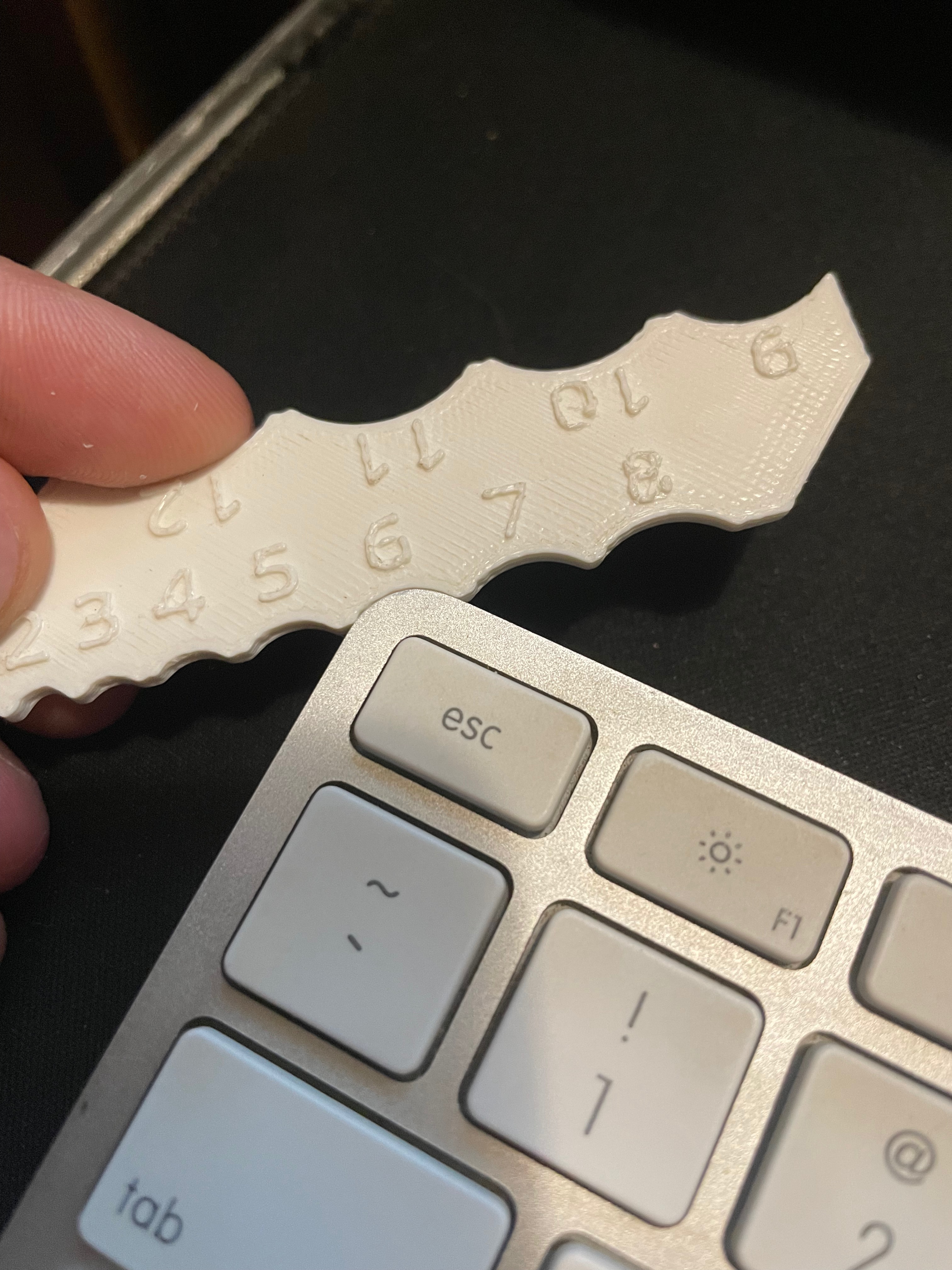
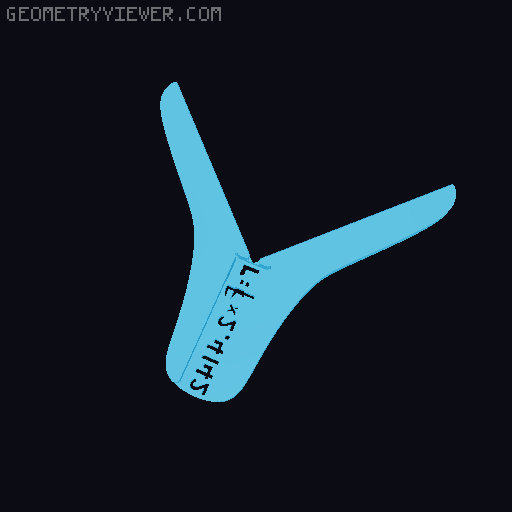
DESIGN UPDATE 2023-11-30: I updated the design to accommodate additional brands of calipers, and to address the different manufacturing widths of different caliper blades, combined with the varying characteristics of 3D printers and filaments. The original design had a 16.1 mm channel, which was fine tuned for my calipers when printed on my old Ender 5 printer using PETG. This new design includes channels varying from 15.4 mm to 16.3 mm, in 0.1 mm increments. Since it is difficult to know exactly the correct fit, I have included a test print for each size of caliper blade widths. You would measure your caliper blade width and then print the corresponding test print. Then verify if that is a good fit, or whether you need to go thinner or wider. The test prints are relatively small, so that they print quickly. This is a better option than printing the full model and then finding out that the gauge doesn't fit the calipers. I also increased the size and depth of the pocket that allows for screws, plates, brackets, etc. on the underside tip of the caliper blade. This helps the gauge to fit a wider variety of caliper brands. I have deleted the old model, and replaced it with new versions. FYI, the original channel, as stated above, is the 16.1 mm channel, but the original did not have the increased pocket size. ----- I was intrigued by kevsparky's original design. I had never seen or heard of such a tool, so I printed it. However, I found a few aspects that I wanted to improve, particularly in the fit and the accuracy. I have various calipers and all of them have blades that are thicker than the channel provided in the original design -- I prefer a flush fit. Also, kevsparky stated that the original design is accurate to ~0.25mm (compared to taking a measurement of the diameter with the caliper jaws and doing the conversion). I wondered if that accuracy could be fine tuned, and what design features or 3D printing characteristics might decrease or increase the accuracy. After 6 iterations I was able to improve the fit and accuracy (see the photos for the changes I made). iGaging IP54 EZ Cal calipers are what I use the most, and they fit well. So, why not just measure a cylinder using calipers? This works well for side measurements of cylinders which are ~40mm (80mm diameter) or less in radius, because that is roughly how far the jaws of digital calipers tend to extend out from the caliper body. For wider measurements with calipers, you are required to measure from the top or bottom of the cylinder. This is more difficult to get an accurate measurement, especially if the lip of the cylinder has irregularities, or is pronounced. This design allows you to measure larger cylinders with radii up to about 100mm (200mm diameter). Modifications: To achieve increased accuracy, I made the following changes to the original model: Adjusted the channel length (where the end of the caliper stops). Added blade end corner cut-outs to improve the fit and flush contact with the stop. Added small (0.5mm H x 0.4mm W) chamfers on the tops and bottoms of the gauge blade corners to negate inaccuracies caused by expanded top and bottom layers. Additional changes to the original: Conversion formula added to the gauge with cut-out font. The rivet/screw pocket was enlarged to accommodate a greater variety of calipers. Accuracy: My current design is accurate to ~ 0.02mm -0.04mm. When considering accuracy of a 3D printed tool in terms of 100ths of a millimeter, different printers will get different results. My Remix Radius Gauge measures slightly higher than taking a measurement of the diameter using the same caliper in a traditional way. In some ways this is intentional. Once you have printed the remix model, you can see how close your printed gauge is to a diameter measurement. If your gauge also is slightly high in its reading, you can dial in or fine tune the gauge by lightly and evenly sanding (with fine sand paper) the faces of the gauge that come in contact with the object being measured. Do not over-sand! It is surprising how much of a change that a minor quantity of sanding can do. Print Settings: Often, print settings are somewhat variable. When attempting to achieve super fine accuracy, it seems to me that one should adhere closely to the print settings (unless there is a good reason not to). To achieve the accuracy that I got on my printer (Creality Ender 5) I used these main settings: PETG 0.4mm nozzle 0.16mm layer height 30% infill with Tri-Hex pattern Quantity of walls, and top & bottom layers: 3 lines Print Speed: 40; initial layer print speed: 10 (possibly overkill) Fit and Post Printing: After printing, clean up any printing debris in the blade channel and on the face of the gauge arms that contact the object to be measured. Make sure that there are no unwanted aberrations. I very lightly sanded the gauge just to make things smooth. With the blade fully installed, make sure that the caliper blade end is fully against the stop in the blade channel. Clean out any debris that is preventing this. Measuring: Taking a precise measurement can be a bit of a ‘juggling act’ in that you want to keep the caliper blade pushed against the gauge blade stop, while keeping the object being measured pushed against the gauge arms, while holding the gauge in place, and while sliding the caliper lower jaw and body so that the depth bar contacts the object just enough so that it touches it, but does not move the object. For me, the best way to accomplish these tasks was to: push on the top of the caliper with my right middle & ring fingers, slide the body & depth bar with my right index finger, hold down the gauge with my left thumb on one gauge arm and my left middle & ring fingers on the other gauge arm, and hold the object in place with my left index finger.
Originally published on Printables