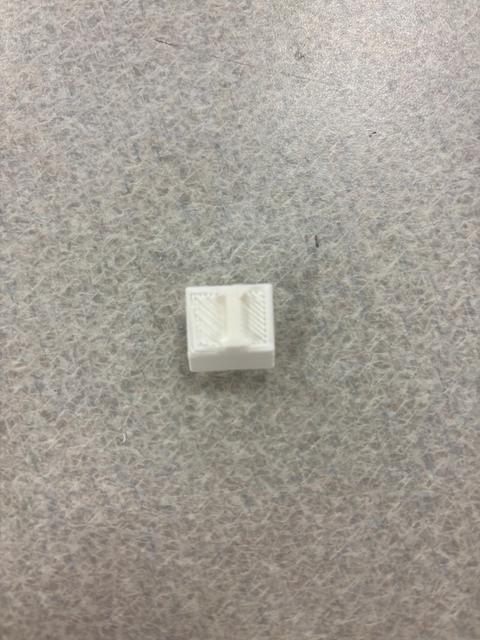
Raised Key
by gharmon2004 · via Thingiverse
| Format | STL |
| Category | Other |
| License | CC BY-SA |
| Triangles | 7.9k |
| Uploaded | Apr 9, 2026 |
👁 7 views
Description
Key for a keyboard with raised lettering. Base: Drop 4 squares onto the workplane and format according to the measurements below Width = 0.024" Length = 0.026" Height = 0.375" Form the squares into one square and group together. Key Drag wedge onto workplane and format according to the measurements below Width = 0.662" Height = 0.888" Add a square to the work plane and format according to the measurements below. Make this square a hole. Length x Width: 0.986" Height: 0.888 Place the wedge and hole together and center. Then, raise the box hole about 0.4". Group together. To finish, center the base and the key together. Raise the key so that it is right above the base, but make sure that there is no space in between each. Group together. To make any letter, drop a letter onto the work plane. Type the letter that you want, and raise the letter so that it sits right above the key. Center the letter as desired. Group all parts of the key together to finish.
Originally published on Thingiverse





