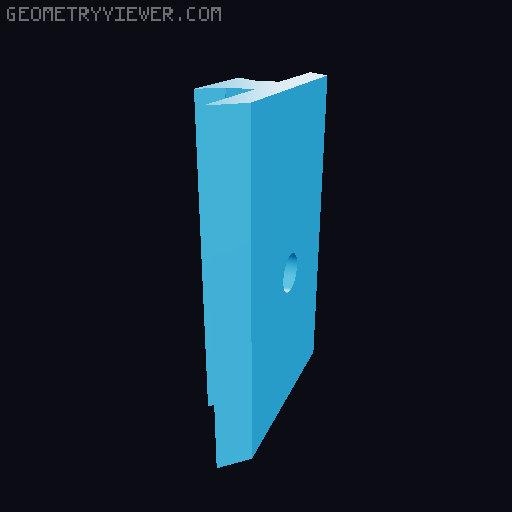
replacement clip for koss portapro wireless 2.0
by CH23 · via Thingiverse
| Format | STL |
| Category | Other |
| License | CC BY-NC-SA |
| Triangles | 1.7k |
| Uploaded | Mar 12, 2026 |
⬇ 39 downloads
❤ 3 likes
👁 94 views
Description
these clips can replace the standard ones if they break. print them upright. to attach them to the Portapro: slide top left clip on the left headband part, with the square holes facing away from the left earphone. slide top right clip on the right headband part, with the square holes facing away from the right earphone. now combine the headbands. line up the holes of the left metal headband to fit over the nubs on the right top clip, then slide the right bottom clip into it. make sure the center holes line up! left headband should go above right headband through the hole of the right clip. it's a very tight fit. now put a bit of filament through that hole to secure it in place (1.75mm filament) then for the other side, line up the metal headband holes (which should be underneath of the headband) to the nubs of the bottom left headband, and slide the top left headband clip over it. secure this with a bit of filament in the center hole. in the beginning it's a super tight fit, you may need to slide it in and out for a while before it slides smoothly. when you slide it, do that by holding the clips, never pull on the headphones!
Originally published on Thingiverse





