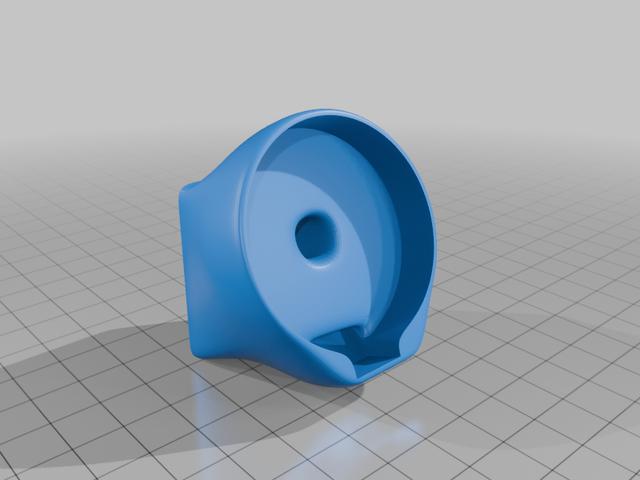
Simple Round Screen for Klipper Based Enders
by Psyonic · via Thingiverse
| Format | STL |
| Category | Mechanical |
| License | CC BY-SA |
| Uploaded | Mar 26, 2026 |
⬇ 2 downloads
❤ 1 likes
👁 16 views
Description
This is a slightly more advanced project for anyone owning an Ender style printer and has converted it to running Klipper. It requires purchasing a touch screen from Aliexpress and compiling and flashing code to it. It’s not as scary as it sounds! There's more instructions on the projects Github page so check it out. And once you're done you'll have a shiny new touch controller for your printer! This device provides 3 buttons that can be configured to run any macro you like. Personally I use it mostly for the RESUME function. If you’re like me and need to be at the printer for that crucial moment after pressing RESUME this is a game changer! Previously I'd have to press it on my PC and then get to my printer as quickly as I could. I also use it for loading and unloading filament as that's something I do have to be at my printer for. If don't have a screen at your printer but only need a couple of functions while at your printer then this is a great addition. It also includes temperature information and a status information via a colored arc. The device easily mounts the the end of the main frame extrusion using friction fit clips, there is no gluing required. The main project can be found at: https://github.com/PsyonicOne/Round-Klipper-Display
Originally published on Thingiverse



