Solar System Lithophane Calibration Panel
by FritzPeppone · via Printables
| Format | STL |
| Category | Home |
| License | CC BY-NC-SA |
| Triangles | 102.8k |
| Uploaded | Dec 10, 2025 |
⬇ 833 downloads
❤ 105 likes
👁 2.8k views
Description
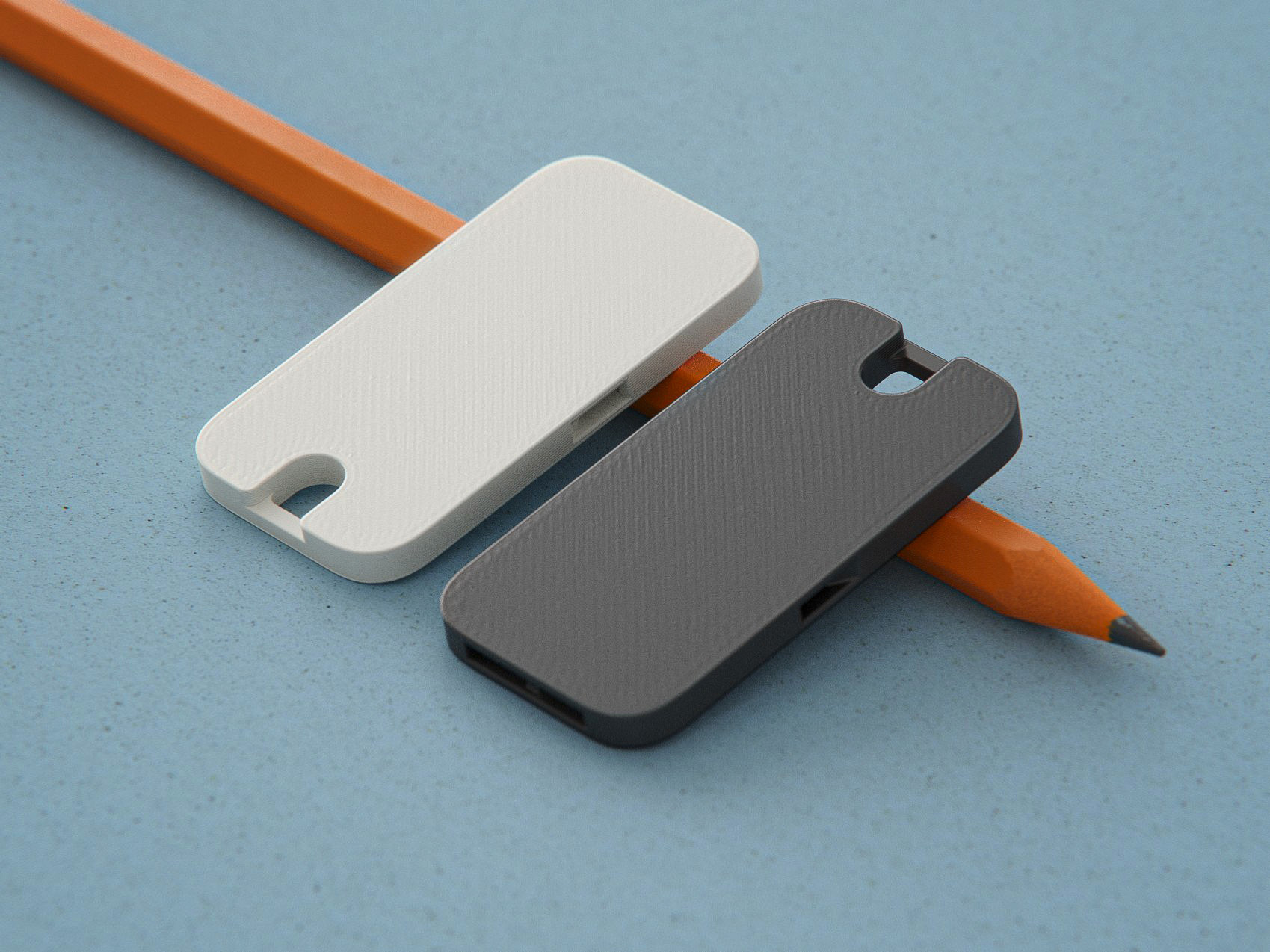
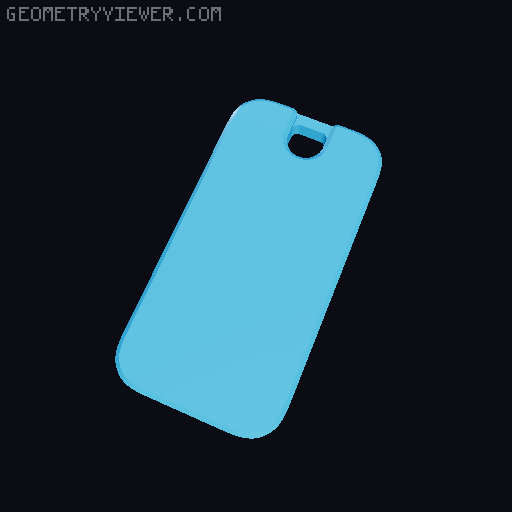
Introduction The two models provided here are simple test prints to find out how a lithophane will turn out with a specific filament and illumination. All Lamps of the Solar System Lithophane Planet Lamp Collection use a maximum wall thickness of 0.6mm and a maximum thickness of 2.8mm. The right side of the panel (present in both the standalone and jupiter version) shows these thicknesses with a step size of 0.2mm. The optional left side of the panel (jupiter-version) shows a small section of the jupiter lamp. Optimally, your filament-illumination combination should be very dark at 2.8mm and very bright at 0.6mm. If you print this and post a make, please also post the filament you are using in combination with the light source you've used as a guideline for other people. Filament Filament matters. A lot! Depending on the Pigments in your filament, your lamp may have more or less contrast or a warmer or cooler color temperature. The brightness of your lamp also depends a lot on your choice of filament. The picture below illustrates this. All four panels were printed with different filaments but the photos were taken in the same environment: a darkened room with a 1W LED bulb illuminating the panesl from behind. 📷 Image redacted — claim this model to add your own media The filaments used here (from left to right, then top to bottom) are: Esun PLA+ White Elegoo PLA+ White Bambulab PLA matte White Filament PM PLA+ White Keep in mind that this does not mean that either of those filaments are good or bad in terms of quality! In fact, all filaments shown here printed perfect with very little stringing or other problems. Their usability for lithophane lamps depends on your personal preferences and on your light source. I love for example the Filament PM PLA+ White in combination with a 4W warm white LED, because the light is very warm and cozy with a lot of contrast. With a light source with 1W or less, it is not bright enough and I prefer Elegoo PLA+ White. Disclaimer: I am not affiliated with either of the mentioned Filament producers, I just happen to have those filaments at home for a comparison. Print Settings Make sure to use the same print settings you'll be using for your planet lamps! There are only a few settings you should tweak in the slicer to print the lamps. Print in PLA or PLA+ Recommended layer height: 0,10mm to 0.15mm Use the Arachne Perimeter Generator for more precise printing with better details If you use Arachne, set the minimum line width to 75% to avoid holes! Set wall count to 5-6 to obtain a solid lamp Set seam position to Nearest or Aligned No Support or Brim required! Be aware, that slicing and printing may take some time. For Bambu Studio users: Bambu Studio seems to struggle with the Arachne Perimeter Generator. If you are unable to slice a lamp with Arachne, use the Classic Perimeter Generator. This is not a SpeedBoatRace print! Use conservative print speed settings to avoid artefacts! It's totally fine if your Planet lamp takes one or two days to finish. Changelog 19.01.2025: initial upload 29.01.2025: corrected the numbers in the second row to match the actual thickness
Originally published on Printables