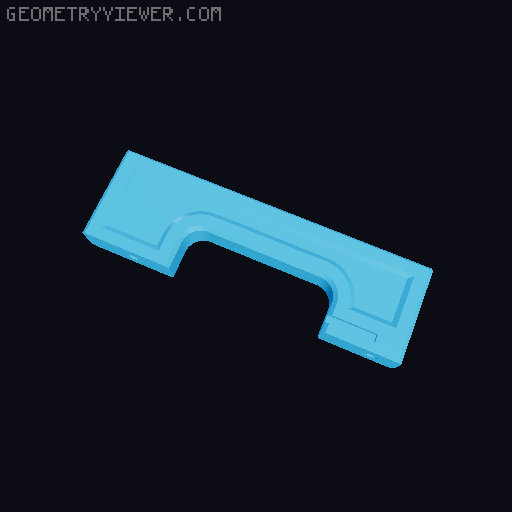
UltiMulti for COREBOXX (CORE one MMU3)
by Voxel3D_NL · via Printables
| Format | STL |
| Category | Art |
| License | CC BY-NC-SA |
| Triangles | 1.7k |
| Uploaded | Jun 10, 2025 |
⬇ 316 downloads
❤ 150 likes
👁 4.9k views
Description
On high request, I made legs to mount UltiMulti inside coreboxx UltiMulti is an optimised MMU3 experience, with many upgrades like; Way better access to the filament path Easy opening of the idler with a clamp design Way better cable management More optimisations (please refer to the original documentation ) This printable adds; Mounting leg L for COREBOXX (for use with heatset insert) Mounting leg R for COREBOXX (for use with heatset insert) Mounting leg L for COREBOXX (for use with M3 hex or square nut) Mounting leg R for COREBOXX (for use with M3 hex or square nut) For ease of use, I have also included the complete set of parts that I personally chose to use. You can copy them and save some time on configuring your build. I reached 3500 consecutive filament reloads over 4 gcodes without a single fail with this setup. To adapt your MMU, you don't need any additional parts How to build; Step 1; Built the UltiMulti as usual (just replace all plastic parts) The PD-board needs to be mounted at a 90°angle. Please use angled pin headers (Female - Male). Alternatively, u can bend the PD-board connectors at your own risk. Step2; Mount the COREBOXX legs, which also house the electronics. Connect everything as usual, making sure not to pinch any cables under the PCB Step3; Mount the UltiMulti in the back of COREBOXX and re-attach all PTFE tubes 📷 Image redacted — claim this model to add your own media
Originally published on Printables





