Wider Baseplate for eufyMake E1 cutter
by Balu · via Printables
| Format | STL |
| Category | Tools |
| License | CC BY-SA |
| Triangles | 3.3k |
| Uploaded | Mar 26, 2026 |
👁 9 views
Description
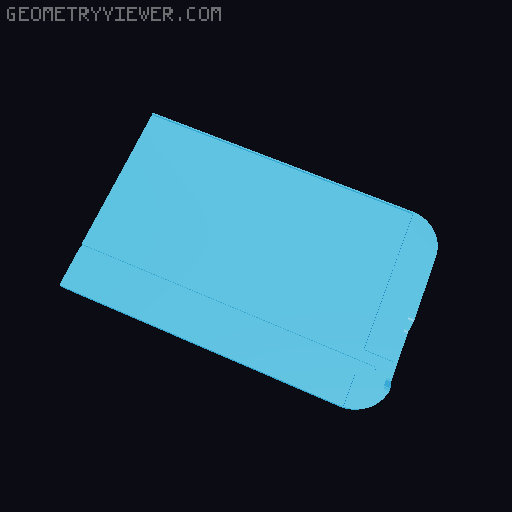
The original cutter shipped with eufyMake E1's Laminator was just not wide enough to cut the right size for the Mini Flatbed. It always took some guesswork, marking, trying to hit the mark, etc. This model changes that. It has the small lip to push the material against, positioning the blade at the exact spot to cut for the width of the Mini Flatbed. Preparation Carefully remove the old blade with its rail from the original plate. A flat screwdriver helps a lot to gently pry one side out of it's hole. But be careful. The used plastic is quite stiff and can break easily. Options There is two variants: a full plate two parts of a split plate for smaller beds and a connector clip You need two of the connector clips to hold the split plate together. Printing For the split plates your printer needs to be able to properly bridge 15 mm gaps. Most modern printers should not have any issues with it. I printed mine with PETG. Especially for the split variant you might break the connector clips if you use PLA. But it depends on the material. All plate variants are prone to warping because of their long form / sharp corners. Good bed adhesion, mouse ears or a full brim are important. Otherwise print with your preferred settings. Build For the split version insert the two connectors into one plate and push on the other side. You will hear an audible click once they connect. For the split and the full variant carefully mount the rail holding the blade. Again: Be gentle and don't break the plastic. Usage Insert your material from the side with the blade and align along the small lip on the long end, cut.
Originally published on Printables